


Promoted
Jev AI Model
freemiumJev AI Model pairs a free playground with an API for turning text or JSON state into typed classifications, scores, and yes/no probability outputs.
AIDeveloper ToolAnalytics
What it does, who it helps, and how it fits into your workflow.
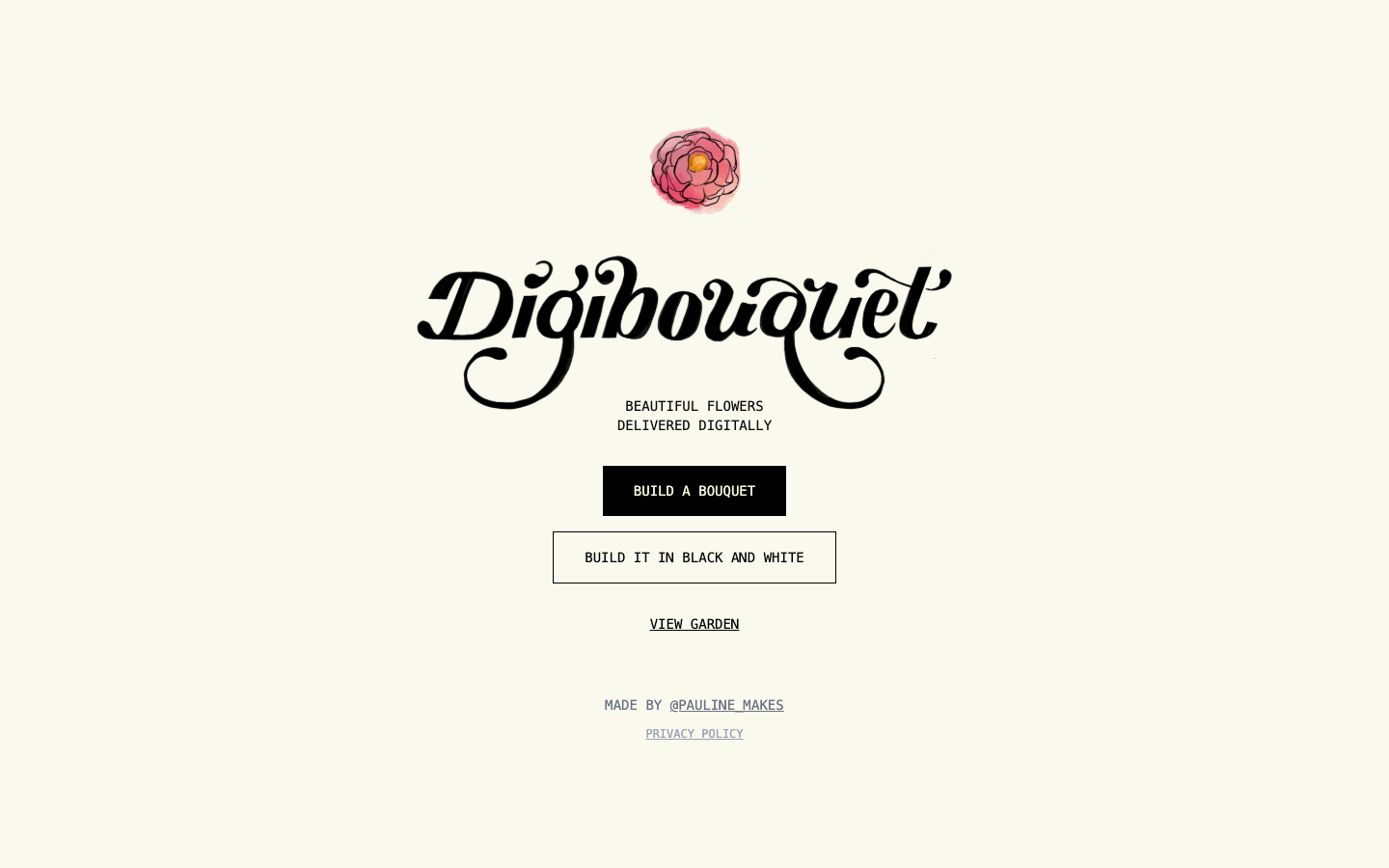
digibouquet is a creative web app for arranging and sharing a digital flower bouquet. Users can start in color or black-and-white mode, choose flowers, and produce a visual gift without buying or shipping a physical arrangement.
The homepage also links to a garden where visitors can view bouquets. Its scope is intentionally simple: a playful digital gesture rather than a florist, delivery service, or physical product marketplace.
The primary builder lets users create a bouquet with illustrated flowers such as roses, peonies, and sunflowers.
A separate black-and-white option provides a different visual treatment for the same digital-gift idea.
The garden link provides a place to view completed creations and explore how other bouquets look.
The official page describes digibouquet as free. No paid tier or checkout is presented on the homepage. This status was checked on 2026-09-20 and may change if the creator later adds paid options.
Strengths
Limitations
Choose digibouquet when the goal is an immediate, handmade-looking digital flower gesture. Choose a florist for physical delivery, or a general design editor when you need fully custom graphics and typography.
No. It creates a digital bouquet that can be shared online.
Yes. The homepage includes a dedicated black-and-white builder.
The official description calls the service free, and no checkout appeared during verification.
Jev AI Model pairs a free playground with an API for turning text or JSON state into typed classifications, scores, and yes/no probability outputs.
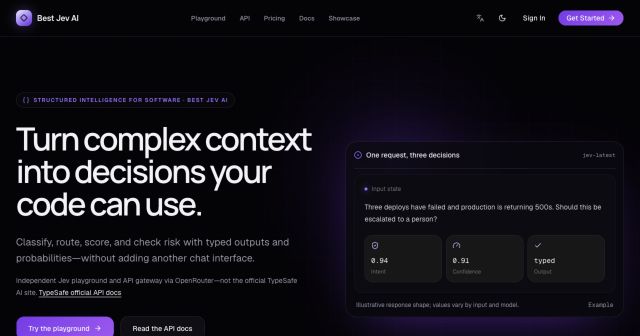
Best Jev AI pairs a free playground with an OpenRouter gateway for turning text or JSON context into typed choices, scores, and yes/no probabilities.

Browse Rush Ounza’s public software-engineering portfolio, including machine-learning notebooks, web projects, activities, and background.