
SpotlightPromoted
Best Jev AI
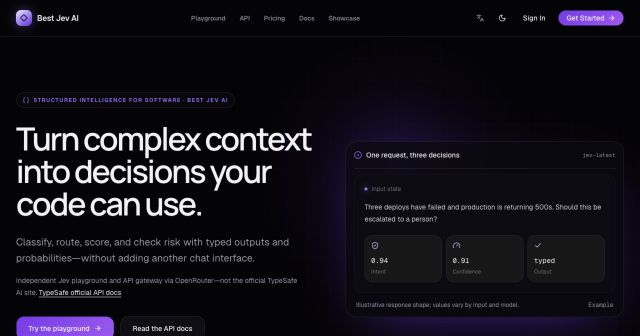
Best Jev AI pairs a free playground with an OpenRouter gateway for turning text or JSON context into typed choices, scores, and yes/no probabilities.
AIDeveloper ToolAnalytics
Useful products for design, automation, analytics and everything in between—organized around real work and ready to explore.
Best Jev AI pairs a free playground with an OpenRouter gateway for turning text or JSON context into typed choices, scores, and yes/no probabilities.
Promoted products selected for extra visibility.

Monitor and explore supported Segway-Ninebot scooters through a browser dashboard with telemetry, trip tools, demo mode, and tuning areas.
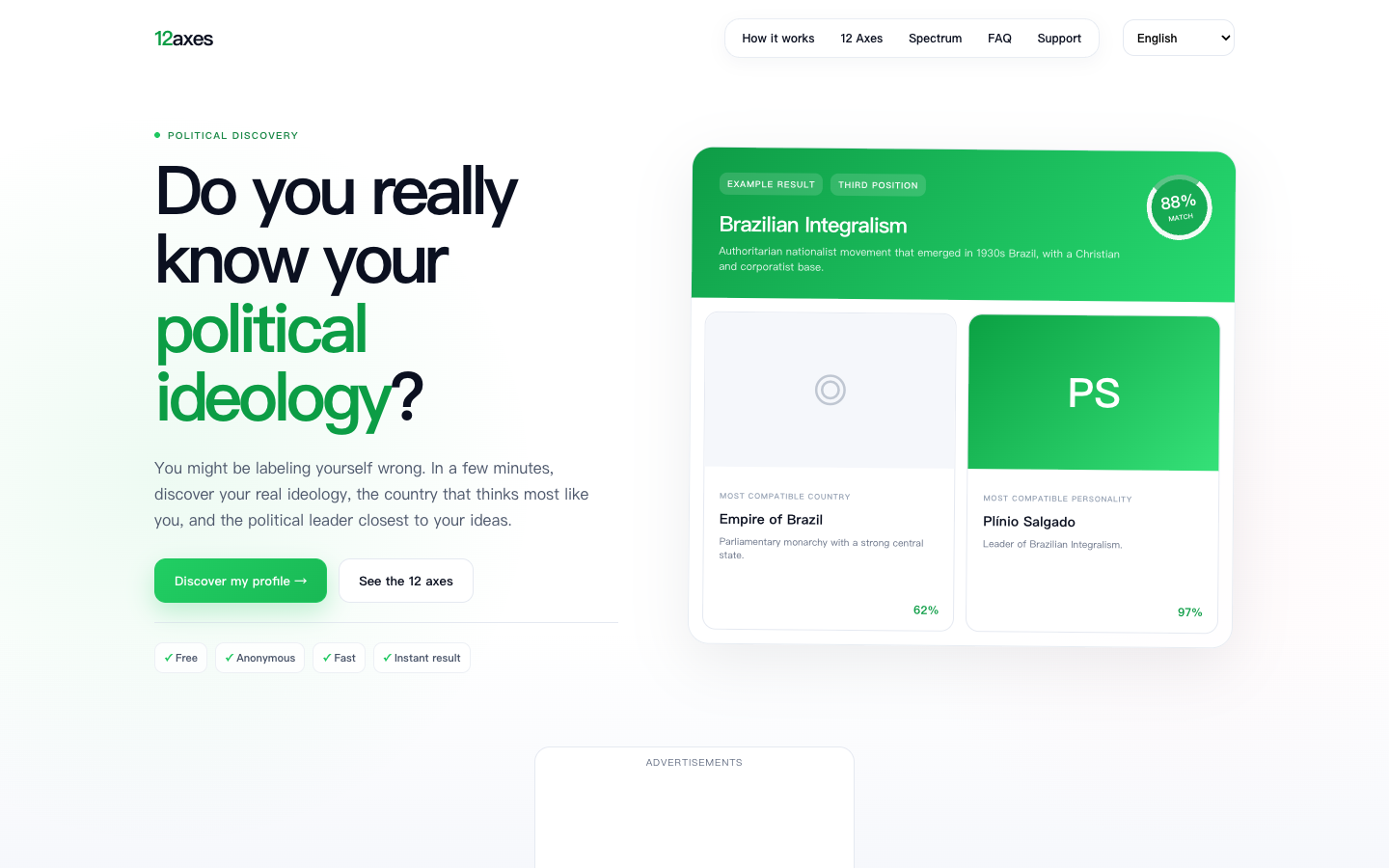
Explore political views across twelve independent axes, with three quiz lengths and matches to ideologies, countries, and personalities.
Create AI videos, images, music, avatars, and effects with 15+ leading models—built for creators, brands, marketers, and social media teams.
Create a nostalgic digital mixtape with cassette artwork, optional stickers, up to four song links, a personal note, and a shareable page.
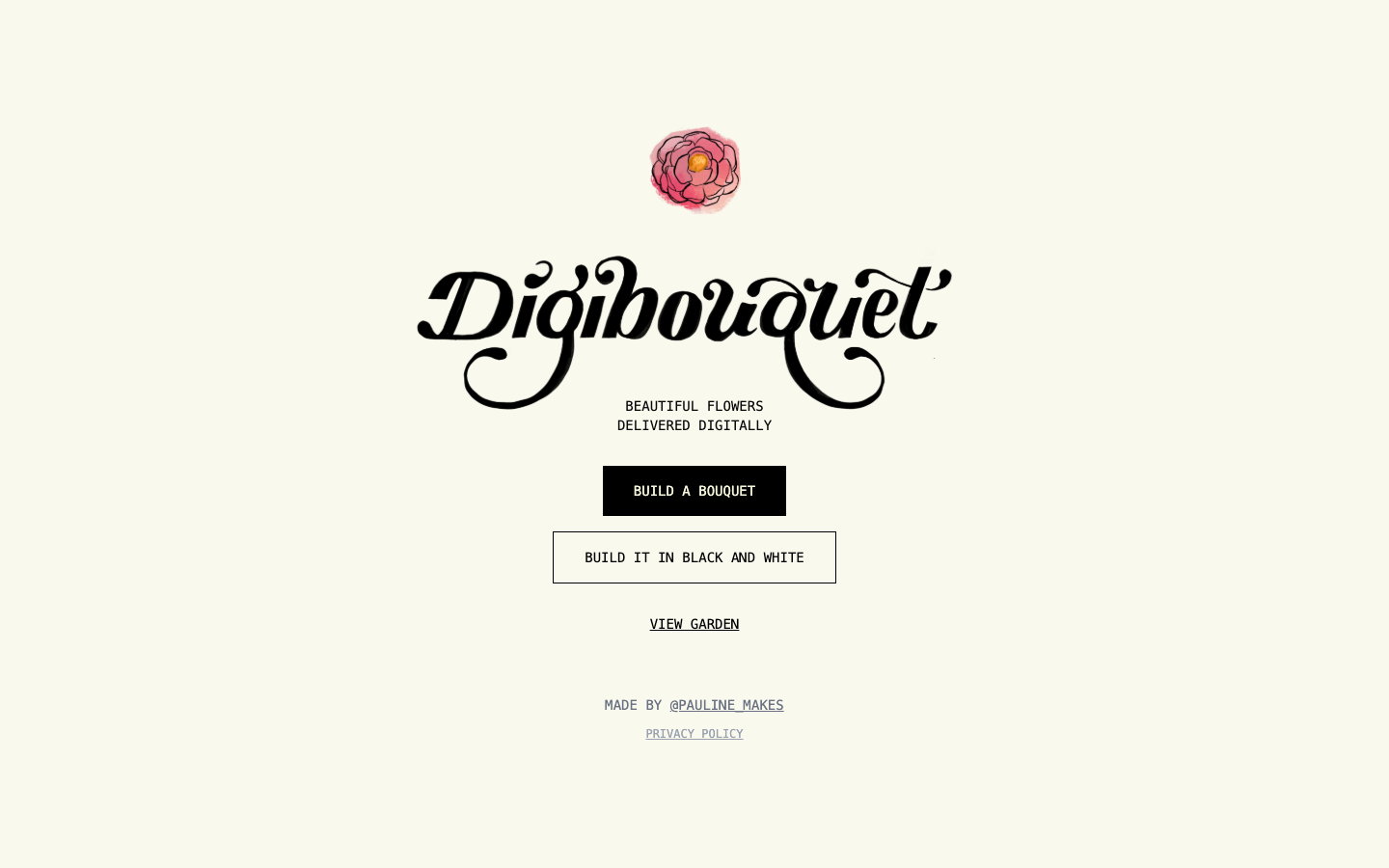
Arrange an illustrated digital flower bouquet in color or monochrome, then share a lightweight visual gift or browse the public garden.
Best Jev AI pairs a free playground with an OpenRouter gateway for turning text or JSON context into typed choices, scores, and yes/no probabilities.
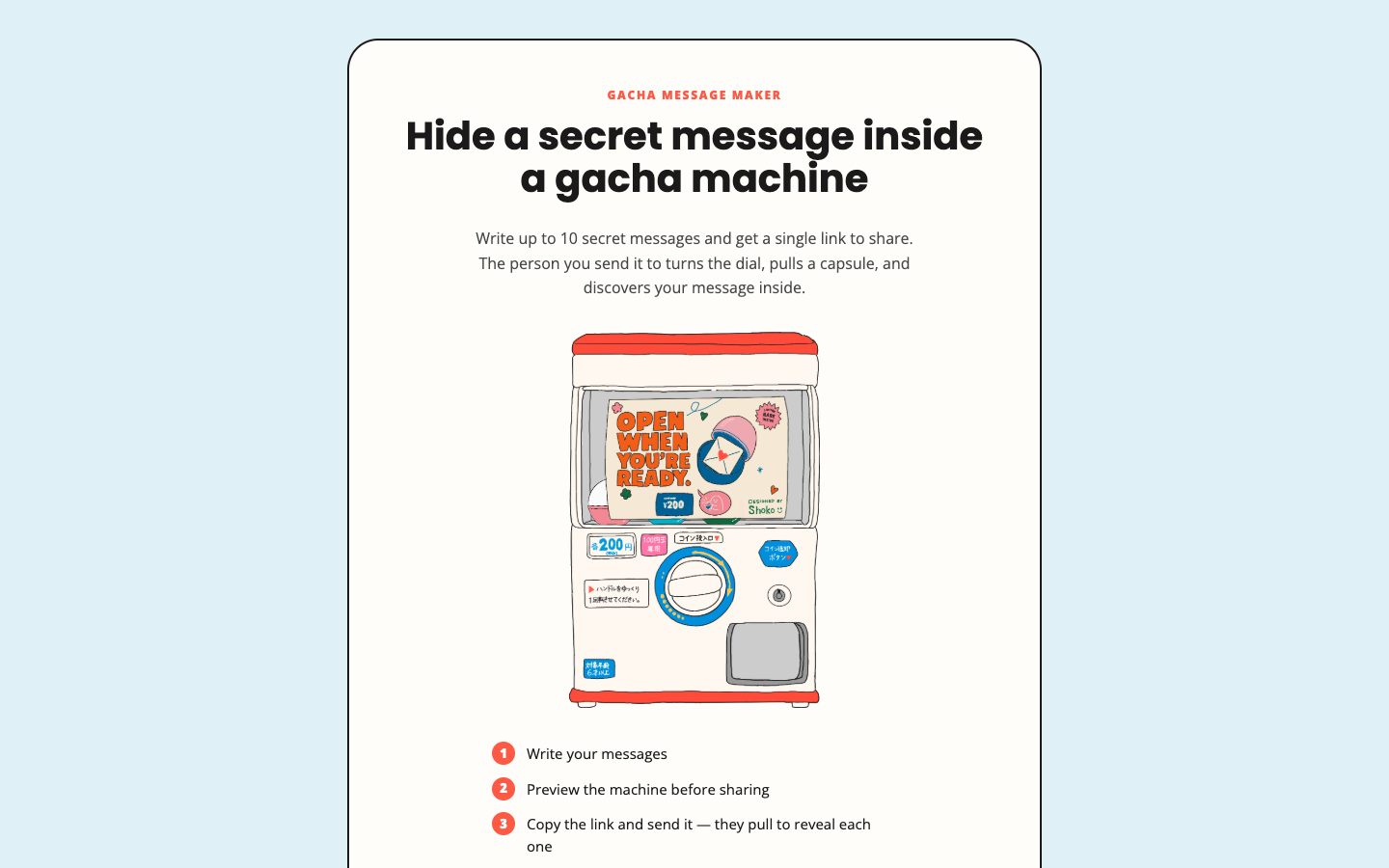
Hide up to ten short notes inside a virtual gacha machine, preview the capsule reveal, and share the finished experience through one link.
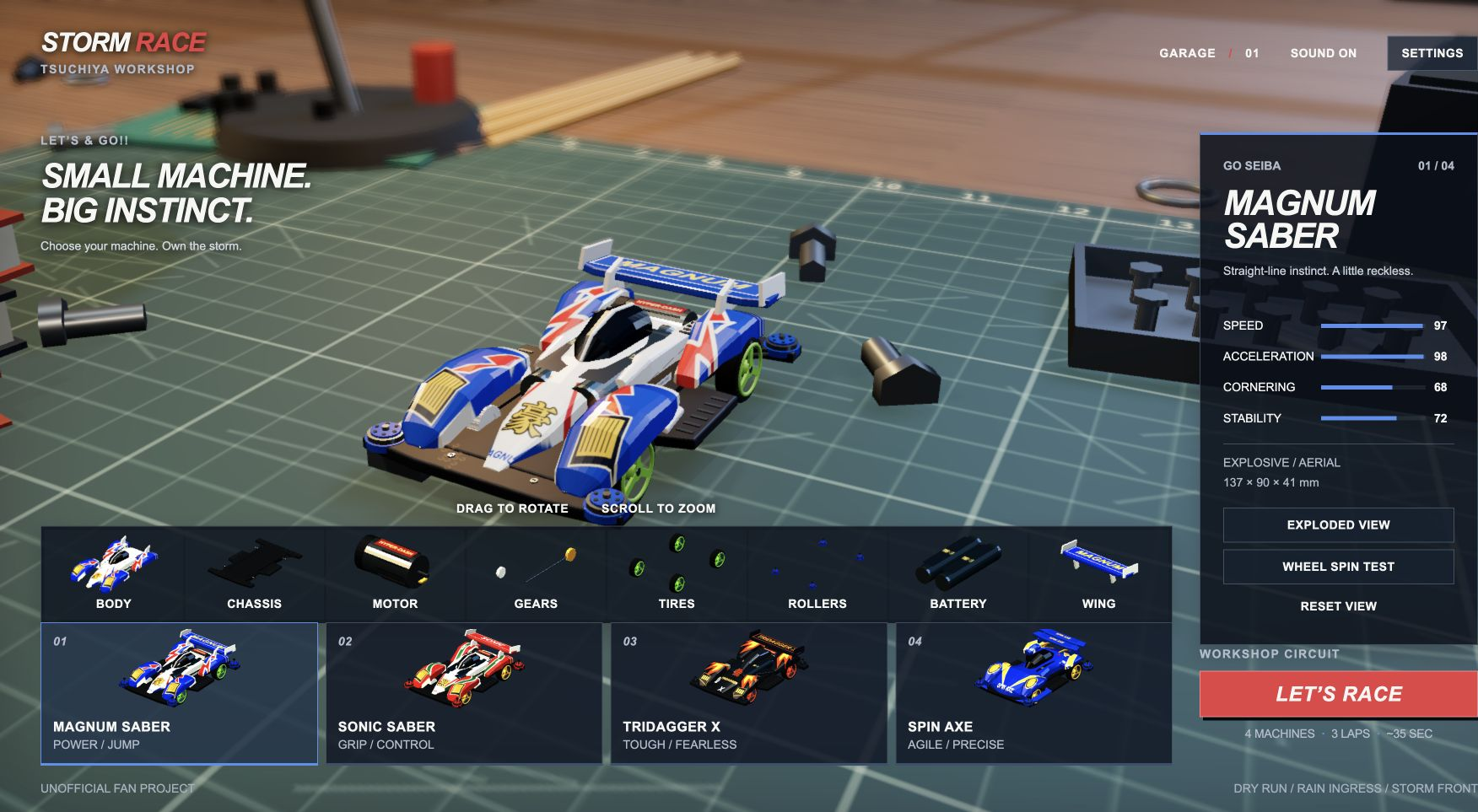
Browser-based miniature racing with four selectable cars, interactive assembly inspection, changing track conditions, and race replays.
Promoted products, rotating from our Featured collection.
Monitor and explore supported Segway-Ninebot scooters through a browser dashboard with telemetry, trip tools, demo mode, and tuning areas.
Explore political views across twelve independent axes, with three quiz lengths and matches to ideologies, countries, and personalities.
Create AI videos, images, music, avatars, and effects with 15+ leading models—built for creators, brands, marketers, and social media teams.
Create a nostalgic digital mixtape with cassette artwork, optional stickers, up to four song links, a personal note, and a shareable page.
Arrange an illustrated digital flower bouquet in color or monochrome, then share a lightweight visual gift or browse the public garden.
Best Jev AI pairs a free playground with an OpenRouter gateway for turning text or JSON context into typed choices, scores, and yes/no probabilities.
Products people are exploring this month.

Meshy is an AI 3D creation platform that turns text, images, and sketches into textured 3D models, rigs, and animations.
AI · Design

Create AI images and videos from prompts or references, or try the fixed Bulin 47 motion template. Compare models, credit costs, and saved work.
AI · Design

16Personalities offers a free personality test plus paid career guides, tests, AI mentors, and team assessment products.
Productivity · Education

City Roads turns a selected city into a visual of its road network, helping designers and curious map readers explore urban street patterns at a glance.
Design
Jev AI Model pairs a free playground with an API for turning text or JSON state into typed classifications, scores, and yes/no probability outputs.
AI · Developer Tool

Algor Education is a freemium AI learning platform that turns documents and ideas into maps, notes, flashcards, and quizzes.
AI · Education
Discover the latest AI and creative products. New tools added regularly to our curated collection.

Teethparty is an interactive browser experience where people post anonymous prompt answers as tooth cards, explore a 3D world and connect through chats.
## What is Teethparty? Teethparty is a browser-based social art experience built around the idea of a “cavity checkup for the things you never said.” Its splash image says “Teethparty,” while the live app page title is “nobodyswatching.” The central activity is answering a prompt and presenting the response as a tooth card that other visitors can discover. The app has two spaces: a tooth case for opening cards and a 3D Teeth World where visitors can click planets to move between areas. Its interface also includes a generated Toothfairy identity, an outfit closet and social invitations. English and Korean interface text is present in the current client. This is a public-sharing experience, not a private journal. The app explicitly says answers are anonymous and shown publicly, and asks people not to include real names. It does not provide detailed public documentation about retention or moderation on the pages reviewed, so users should keep sensitive information out of submissions. ## Key Features ### Anonymous prompt answers {#teeth-prompt-answers} The app presents a question, a text field and a “pull it out” action. Its current prompt asks what someone would do first with $1,000. The interface says responses are anonymous and displayed publicly, and warns against including real names. The featured prompt may change over time. **Keywords:** anonymous answers, interactive prompts, public sharing, tooth cards. **Standout:** responses use a tooth-card metaphor and are intended to be explored by other visitors. ### Teeth World and planets {#teeth-world} The app offers a separate Teeth World view. Its interface tells visitors to click a planet to fly there; planets provide a visual way to navigate the experience. The page showed an empty-world message during this review, so the amount of content available can depend on community participation. **Keywords:** 3D world, planet navigation, community answers, interactive art. **Standout:** browsing is presented as moving through a small themed world rather than scrolling a conventional feed. ### Toothfairy identity and language {#toothfairy-identity} The onboarding flow offers a Toothfairy number for a new visitor or a sign-in option for returning users. The interface says a password can let someone return from another device with chats and answers. Account copy also includes English and Korean language choices and a setting for whether other people may send a “hey.” Keep the number and password if you choose to set them; account recovery details were not documented on the public landing page. **Keywords:** Toothfairy number, password login, English, Korean. **Standout:** the product uses a playful numbered identity instead of presenting a conventional public profile name in its onboarding copy. ### Teeth Closet customization {#teeth-closet} The Teeth Closet lets a visitor adjust the tooth character's appearance with choices for items such as body, head and face. Basic options are marked free in the live interface. Some body cosmetics carry a dollar price label; the current interface data lists silver and gold Teethronaut bodies at $2 each and provides a checkout flow. The public landing page does not explain currency or checkout terms. **Keywords:** avatar styling, digital closet, free cosmetics, optional paid items. **Standout:** personalization is part of the tooth-character metaphor, with paid options kept separate from the public prompt and browsing concept. ### Hey, send a tooth and chat {#teeth-social-connections} Visitors can share the app link, send a short “hey,” or send another Toothfairy a tooth with a brief note. The interface says an accepted tooth invitation opens a chat in Teeth World. Account settings include a control for letting people send a “hey,” and the app has a separate chats panel. **Keywords:** social discovery, tooth invitations, short messages, chat. **Standout:** the app turns a profile introduction into a symbolic tooth invitation, with conversation opening only after acceptance. ## How to Use Teethparty 1. Open the app in a wide browser view. On a phone, the interface asks visitors to turn the device sideways. 2. Open the tooth case, choose a tooth and respond to the current prompt. The interface may offer optional demographic choices; do not include identifying details in the answer. 3. Switch to Teeth World and click a planet to explore the available spaces and public tooth cards. 4. If you want your chats and answers to follow you, use the Toothfairy number flow and keep the number and password. The closet and social controls are optional; no purchase is needed to read the public page. ## Use Cases & Who It's For - **Prompt-led reflection:** people who want a playful question can write a short response and see it represented as a tooth card. - **Light community discovery:** visitors can browse public answers and use a tooth invitation to start a conversation when both people choose to participate. - **Interactive digital art:** people interested in small, themed 3D social spaces can explore the planets and customize a tooth character. ## Pricing & Free Plan The public landing page does not show a full price list or describe a subscription. The live interface includes free closet choices and optional paid cosmetics. Its currently served data marks silver and gold Teethronaut body styles at $2 each; the interface formats item prices with a dollar sign and can open an optional Lemon Squeezy checkout. We did not open checkout or complete a purchase, so the currency, taxes and payment terms remain unverified. The public prompt and browsing page loaded without a payment step during review. ## Strengths & Limitations **Strengths** - Combines prompts, anonymous public answers, a themed 3D space and optional social chat. - Offers an English and Korean interface. - Basic customization is available alongside optional paid cosmetics. **Limitations** - Answers are public even though the app describes them as anonymous. Do not use it for private notes or include names or sensitive personal details. - The public pages reviewed did not explain moderation, retention or deletion in detail. - The experience asks phone users to switch to landscape. The world was empty when checked, so new visitors may see limited community content. - Pricing terms beyond the displayed cosmetic labels were not verified; no account was created and no checkout was opened. ## Alternatives & When to Choose It Choose Teethparty when you want a prompt-led public sharing experience with a playful tooth-and-planet presentation. Choose a private journaling app when the writing should remain private; Teethparty explicitly says its answers are shown publicly. No direct equivalent was established from official sources during this review. ## Frequently Asked Questions ### Are answers private? No. The interface says answers are anonymous and shown publicly. Avoid names and sensitive details; the public pages reviewed did not explain the full privacy or moderation model. ### How do I explore other answers? Open Teeth World and click a planet. The app can show an empty-world message when no teeth are available in that view. ### Do I need an account? The app offers a Toothfairy number and a returning-user login flow. The interface says a password lets users return from another device with their chats and answers. The public landing page does not document every feature's account requirement. ### Is the closet free? Some options are marked free, while the currently served interface lists a few cosmetic body styles at $2. No purchase is required to view the public landing page, and checkout terms were not verified. ## Sources & Verification - Official app: [Teethparty / nobodyswatching](https://teethparty.vercel.app/) - Official interface assets: [Teethparty splash image](https://teethparty.vercel.app/cards/start.png) - Current first-party UI copy and price labels were captured from the app's served client bundle on 2026-10-23. - Last checked: 2026-10-23 - Verification: manually reviewed the public app, observed its welcome screen and navigation labels, inspected current first-party interface copy and image assets. No account was created, no answer was submitted and no checkout was opened.

Mela Chaloge Mere Sath? is a browser-based 3D Dussehra fair with walkable stalls, games, a giant wheel and virtual festival performances.
## What is Mela Chaloge Mere Sath? Mela Chaloge Mere Sath? is a browser-based 3D Dussehra fair. The supplied Vercel address redirects to the experience's own melachaloge.online domain. Its opening scene presents a nighttime Indian fair with stalls, lights, festival performances, games and a giant wheel. The site is an interactive festival setting rather than a ticketing service or a physical shop. On desktop, the official page says to walk with WASD or the arrow keys; on mobile, it provides a touch joystick. It asks visitors to enable JavaScript before entering the mela. The experience's appeal is that several familiar fairground activities and Dussehra scenes sit together in a small browser visit. The official support page says the games, rides and virtual souvenirs remain free. Optional creator support is separate and is explicitly described as not being a purchase. ## Key Features ### A walk-through Dussehra fair {#mela-3d-fair} Explore a lit nighttime mela as a 3D browser scene. The official page describes glowing stalls and a walkable fair environment, with desktop keyboard controls and a mobile touch joystick. It is a visual, interactive setting; the site does not offer physical fair access through the page. **Keywords:** 3D fair, Dussehra, browser exploration, nighttime mela. **Standout:** one themed scene brings the festival stalls and attractions into the same browser experience. ### Balloon shooting and ring toss {#mela-fair-games} The home page names balloon shooting and ring toss as playable fairground games. They are short activities within the mela rather than separate downloads or a general game library. The public description does not specify scoring systems or progression, so those details should be checked in the live game. **Keywords:** balloon shooting, ring toss, fairground games, casual play. **Standout:** both games are part of the festival environment, alongside the rides and stalls. ### Food, toy and souvenir stalls {#mela-fair-stalls} Visitors can walk past toy and chaat stalls as part of the scene. The support page states that virtual souvenirs stay free and that no physical item or delivery is offered in return. The page does not describe real food ordering or a shop checkout. **Keywords:** chaat stalls, toy stalls, virtual souvenirs, Indian fair. **Standout:** the stalls contribute to the mela atmosphere without turning the experience into a purchase flow. ### Ferris wheel ride {#mela-ferris-wheel} A giant wheel is one of the named attractions. Visitors can approach it inside the 3D fair and take a virtual ride. It is a browser simulation of the attraction, not a real-world ticket or ride booking. **Keywords:** Ferris wheel, virtual ride, fairground attraction, 3D experience. **Standout:** a familiar fairground ride is integrated into the same walkable setting as the stalls and games. ### Ram Leela and Ravana Dahan {#mela-ram-leela-ravana-dahan} The official description includes Ram Leela and a virtual Ravana Dahan with fireworks. These scenes connect the fairground setting to Dussehra rather than presenting only generic rides. The page does not publish a schedule or claim to reproduce a live performance. **Keywords:** Ram Leela, Dussehra, Ravana Dahan, virtual fireworks. **Standout:** the experience pairs fair attractions with a recognizable festival celebration. ## How to Use Mela Chaloge Mere Sath 1. Open the provided Vercel URL; it redirects to the official experience. Enable JavaScript to enter. 2. On desktop, use WASD or the arrow keys to walk. On a phone, use the touch joystick. 3. Explore the stalls and attractions, then try balloon shooting or ring toss, ride the giant wheel, or watch the festival scenes. 4. If you want to support the creator, use the separate support page. Contributions are optional; they do not buy a ticket, physical item or paid ride. ## Use Cases & Who It's For - **A short festival-themed break:** visitors can explore a Dussehra fair scene and try a couple of simple games in a browser. - **A visual introduction to fair traditions:** people curious about the mix of stalls, Ram Leela and Ravana Dahan can see those elements represented in one interactive setting. - **A lightweight shared experience:** friends can visit the same browser experience and compare which attractions they explored; no multiplayer feature is claimed by the official page. ## Pricing & Free Plan The experience is described as free. Its official support page says all games, rides and virtual souvenirs stay free. It offers optional one-time creator support in rupees, with suggested amounts of ₹21, ₹51 and ₹101, as well as a custom amount through UPI. The page also mentions card support for preset amounts. It says support is not a purchase, there is no automatic renewal, and no physical item, delivery or ticket is provided in return. ## Strengths & Limitations **Strengths** - Combines a walkable 3D fair, games, a ride and Dussehra scenes in one browser experience. - Provides desktop keyboard controls and a mobile touch joystick. - The site says core attractions and virtual souvenirs are free. **Limitations** - It requires JavaScript and interactive 3D rendering; the official page does not list device or browser requirements. - It is a virtual scene, not a source for real-world tickets, food, deliveries or event schedules. - I reviewed the public pages but did not complete a gameplay session, so controls and ride behavior are described from the official page rather than hands-on testing. ## Alternatives & When to Choose It Choose this page for a free, browser-based Dussehra-themed exploration. If you want physical rides, food or a live programme, a local fair is the relevant alternative; this website explicitly says it does not sell a ticket or provide a physical item. No directly comparable browser fair was verified from official sources during this review. ## Frequently Asked Questions ### Does it cost anything to play? The official support page says the games, rides and virtual souvenirs stay free. Creator support is optional and does not purchase access or goods. ### How do I move around? Use WASD or the arrow keys on desktop, or the touch joystick on mobile. JavaScript must be enabled to enter the interactive mela. ### Can I order chaat or buy a souvenir? The page presents food and toy stalls inside the virtual scene. It says souvenirs are virtual and that no physical item or delivery is offered. ### Is Ravana Dahan a live event? The official page describes a virtual Ravana Dahan with fireworks. It does not publish a live event schedule. ## Sources & Verification - Official app: [Mela Chaloge Mere Sath?](https://mela-chaloge.vercel.app/), which redirects to [melachaloge.online](https://melachaloge.online/) - Official support and pricing: [Daan Patra](https://mela-chaloge.vercel.app/support) - Last checked: 2026-10-23 - Verification: manually reviewed the current official home and support pages and official logo/cover assets. The automated catalog collector was blocked by its public-network target check. No gameplay session or payment was completed.

Project Moon Life is a browser life simulator where seeds and choices shape careers, five life stats, replayable stories, and an optional AI narrative chapter.
## What is Project Moon Life? Project Moon Life is a browser-based urban life simulation set in a City inspired by the worlds of Lobotomy Corporation and Limbus Company. A resident begins in a Nest, the Backstreets, or the Outskirts, then moves through education, work, relationships, and unexpected events. The site describes itself as an unofficial fan-made project, not an official or affiliated Project Moon game. The free simulator uses a seeded rules engine and built-in events. Players can begin with a random resident or customize details such as a name, story language, and seed. Decisions change five fictional attributes and the life that gets saved in the browser archive. A separate paid AI chapter adds generated scenes and cloud saves. Its clearest distinction is reproducibility: with the same rules version, seed, and choices, the site says a life can be replayed across languages and resident names. The standard mode does not require sign-in or payment. Its optional AI mode is a separate service with separate records and a one-time price. ## Key Features ### 1. Seeded Resident Starts {#seeded-starts} Start with a randomly prepared resident or customize a name, story language, seed, and rules version. The seed determines the resident's starting background, including family and birthplace. Reusing the same rules version and seed gives players a repeatable starting point; keeping the choices the same reproduces the same life according to the field guide. A seed link shares the beginning, not the saved life record. **Keywords:** seeded simulation, replayable life sim, character setup, shareable seed. **Standout:** the documented seed-and-choice combination is designed to reproduce a run across supported story languages. ### 2. Choice-Driven City Simulation {#choice-driven-city} Read life events and choose how the resident responds as education, work, relationships, and career paths unfold. Five status values—health, sanity, resources, connections, and reputation—are shown as fictional indices from 0 to 100. Choices can improve one area while putting another at risk; reaching zero health or sanity ends a life. The displayed resources are fictional and cannot be traded or redeemed as money. **Keywords:** urban life simulator, branching events, career paths, five life stats. **Standout:** the game makes consequences visible through five tracked attributes while keeping the simulation's resources fictional. ### 3. Time and Event Controls {#time-controls} The field guide describes four seasons per simulated year, with about one real minute per year at normal speed. Players can pause, slow the simulation, or advance it up to 32×. Keyboard controls include Space to pause, the bracket keys to adjust speed, 1–4 to select an option, and 0 to let an event pass. Major events pause for a decision; minor events can take their final option after a 15-simulated-second timer, which also pauses when the game is paused. **Keywords:** browser game, pause control, simulation speed, event timer. **Standout:** players can follow a life at a deliberate pace or move through uneventful years faster, while major choices still wait for input. ### 4. Local Life Archive and Backups {#life-archive} Free lives save in the current browser without an account. The privacy page says the names, seeds, choices, attributes, and life records are stored in browser IndexedDB and are not uploaded. Players can export a backup and import it in another browser to move devices; saves do not automatically sync. An already-loaded game can continue offline, and the guide says a hidden tab pauses the simulation. **Keywords:** local browser saves, life archive, backup export, import between browsers. **Standout:** the free mode keeps its life records on the player's device and provides an explicit backup path for moving them. ### 5. Optional AI Chapter {#ai-chapter} The separate AI chapter is presented as six chapters with recurring characters and consequences that carry forward. It requires an account and a one-time USD $10 pass; the official terms say the pass grants unlimited AI life starts while the service operates, with temporary request-rate and concurrency controls. AI lives use cloud saves and can be downloaded as records. The privacy page says fictional state and recent scenes are sent to DeepSeek, excluding the player's email and resident name. During provider outages, the terms say clearly marked original preset scenes may be used. **Keywords:** AI narrative, recurring characters, remembered choices, cloud saves. **Standout:** this is an optional cloud-backed story mode layered beside unlimited free local simulation, rather than a requirement for starting a basic life. ## How to Use Project Moon Life 1. Open [Enter the City](https://projectmoonlife.net/play), choose a random start or customize a resident, and select a seed, rules version, and story language if desired. The site asks players to confirm they are at least 15. 2. Start a free life. Read each event and choose an available response; use the pause and speed controls to set the pace. 3. Follow the resident's attributes, work, relationships, and events as the years advance. A seed link can be shared when another player should start from the same beginning. 4. Return to the life archive in the same browser, or export a backup before clearing browser data or moving to another device. 5. To use the separate AI chapter, sign in and purchase its one-time pass. Its lives use cloud records rather than the free simulator's local archive. ## Use Cases & Who It's For - **Replay and comparison:** players can share a seed and compare outcomes while keeping the rules version and choices consistent. - **Short-session storytelling:** players who enjoy text events and consequential choices can slow down at major events and speed through other years. - **Career and life-path exploration:** fans of life simulators can follow education, work, relationships, and five changing status values over a resident's lifetime. - **Unofficial setting-inspired play:** fans of the referenced fiction can explore this site's original writing and art, with the clear understanding that the project is unofficial. - **Persistent AI story play:** players who want recurring characters, cloud saves, and AI-generated scenes can evaluate the separate paid chapter. ## Pricing & Free Plan Project Moon Life is freemium. The seeded base simulator is described as free and unlimited, with no account or payment required; the number of records a player can keep is still bounded by local browser storage. The optional AI Chapter Pass costs **USD $10 once**, with no subscription. The official pricing and terms pages say it allows unlimited AI lives while the service operates. Temporary request-rate and concurrency controls apply. Pricing was checked on 2026-10-16. ## Strengths & Limitations **Strengths** - The free core loop does not require sign-in or payment. - Seeds, rules versions, and choices provide a documented way to replay the same life. - Local backups make free records portable without cloud syncing. - The website offers English, Chinese, Japanese, and Korean interfaces and story-language options. **Limitations** - The project is an unofficial fan work and is not affiliated with Project Moon. - The content is intended for ages 15+ and may include fictional death, illness, crime, and psychological distress; outcomes are not professional advice. - Free lives remain in one browser unless a player exports and imports a backup. Clearing browser data without a backup can remove them. - AI play requires an account and payment, uses cloud records, and is subject to temporary rate and concurrency controls. The free simulator and AI archive do not automatically sync or import into each other. - The supplied `/play` page is marked `noindex, nofollow`; the main site and field guide provide more of the publicly readable product details. ## Alternatives & When to Choose It - **BitLife** is another text-based life simulator built around consequential choices and life paths. Consider it when you want a different text-simulator presentation; choose Project Moon Life when seeded replay and its City setting are central to your interest. [BitLife's official site](https://bitlifeapp.com/) describes the product as a text-based life simulator. - **AI Dungeon** is an AI-guided role-play and interactive storytelling tool where players can enter actions or dialogue and have AI continue the adventure. Consider it when free-form prompt-led role-play is the main goal; Project Moon Life's free mode instead documents a seeded, choice-based life simulation. [AI Dungeon's getting-started guide](https://help.aidungeon.com/getting-started) explains its turn-based inputs and generated responses. These are adjacent experiences, not feature-for-feature equivalents. Check each official site for current availability and terms. ## Frequently Asked Questions ### Is Project Moon Life free to play? The standard seeded simulator is described as free and unlimited without sign-in. The optional AI chapter costs USD $10 once. Local browser capacity can still limit how many free records a device retains. ### Can I replay the same life? The field guide says the same rules version, seed, and sequence of choices reproduce the same life, including across supported story languages and resident names. A seed link shares a start point, not a saved run. ### Does it save my lives online? Free lives are saved locally in the browser and are not uploaded according to the privacy page. The separate AI mode uses cloud saves. Export a local backup before clearing browser data or changing devices. ### Is this an official Project Moon game? No. Project Moon Life identifies itself as an unofficial fan work inspired by the settings of Lobotomy Corporation and Limbus Company. The site says its artwork and event writing are original. ### Who should play? The site is intended for players aged 15 and older. It warns that fictional death, illness, crime, and psychological distress may appear. Choices, stats, and outcomes are fiction, not advice. ## Sources & Verification - Official play page: https://projectmoonlife.net/play - Official homepage: https://projectmoonlife.net/ - Official field guide: https://projectmoonlife.net/how-it-works - Official AI chapter: https://projectmoonlife.net/ai - Official pricing: https://projectmoonlife.net/pricing - Official terms: https://projectmoonlife.net/terms - Official privacy: https://projectmoonlife.net/privacy - Alternative references: https://bitlifeapp.com/ and https://help.aidungeon.com/getting-started - Last checked: 2026-10-16 - Verification: Reviewed official pages and downloaded, visually inspected the official emblem and City artwork. The core game was not started; no gameplay run was hands-on tested.

ZombieCouple turns couple or pet photos into a preset AI zombie reunion video, with role controls, a warm-memory ending and adjustable render settings.
## What is ZombieCouple? ZombieCouple is a browser-based photo-to-video studio for making a short, fictional zombie reunion. It places two people—or a person and a pet—into a preset story: one character has changed, the other recognizes them, they embrace, and the scene moves into a warm memory. The website describes pale zombie makeup and a gentle, nonviolent story rather than a horror effect built around gore. The studio accepts two portraits or one shared photo containing both faces. In the two-photo setup, Photo 1 is the survivor and Photo 2 becomes the zombie; for a shared image, the person on the right turns. Users can also assign a person or a pet to the zombie role. The generated scene is fictional and uses AI to create its setting, movement and transformation from the reference images. This is a constrained story generator, not a live camera filter or a general timeline editor. The preset supplies the action and soundtrack direction, while the user selects the available effect and render settings. The site says checkout and rendering are currently unavailable, so its listed credit prices should be treated as published pricing information rather than a presently purchasable offer. ## Key Features ### Two-photo or shared-photo input Choose separate portraits for the survivor and the character who turns, or upload one photo with both faces visible. The role instructions explain which person is used for each part of the story; a Swap photos control is described for changing roles. Clear, unfiltered faces give the model stronger references, but the site warns that generated faces and actions can vary. ### Preset zombie stories Zombie Story follows the trend sequence of an encounter, recognition, a hug and a warm-memory scene. A second Zombie effect focuses on gradual transformation and an embrace. The scene and motion are generated from the selected preset; the workflow does not promise exact shot timing or a specific likeness. ### Adjustable render settings Before rendering, the studio displays model, resolution, duration, aspect ratio and credit cost. The home page shows a standard 720p, 12-second vertical video as the default example. Its pricing table lists Seedance 2.0 Mini, Seedance 2.0 Fast, Seedance 2.0 and Seedance 2.5 options, with different credit requirements by resolution. Actual availability depends on the configured generation service. ### Downloadable social video The site advertises HD video without a watermark and describes downloading the result for posting. It recommends adding a separately licensed song in a social app if a user wants a particular track. The service does not insert a user's own memory footage into the generated flashback; combining personal footage requires a separate editor. ## How to Use ZombieCouple 1. Open the video studio in a modern desktop or mobile browser. You can inspect examples and settings; the site says sign-in is required before rendering. 2. Add two clear portraits, or choose the shared-photo option and upload one image with both faces visible. Confirm who is the survivor and who turns, and use the role-swap control if needed. 3. Select Zombie Story for the recognition, hug and warm-memory sequence, or the simpler Zombie effect. Review the available model, resolution, duration, aspect ratio and displayed credit cost. 4. When generation is enabled, sign in and submit the render. Review the result before sharing, then download it if the service makes the output available. Checkout and rendering were marked unavailable on the site when checked, so this final step could not be completed during this review. ## Use Cases & Who It's For - **Couples and partners:** Turn two portraits into a fictional reunion clip for an anniversary, message or social post, provided both people agree to use of their likenesses. - **Friends and family:** Use the same preset story to make a short, sentimental clip with another consenting person. The roles can be swapped to change who appears as the zombie. - **Pet owners:** Pair a person's portrait with a clear pet photo for a playful variation. The site notes that animal likeness can vary between renders. - **Trend creators:** Start from a ready-made sequence for short-form video instead of writing a prompt or arranging every shot manually. It is less suitable when the project needs precise editing, custom dialogue or guaranteed scene timing. ## Pricing & Free Plan ZombieCouple is a paid, credit-based service according to its published pricing page; it does not list free video generation. The site describes one-time credit packs whose credits do not expire and monthly subscriptions whose credits refresh each month. A standard 720p, 12-second video is listed as 10 credits, while higher resolutions, different models and longer durations cost more. The studio's quote should be checked before any render because available settings can change the amount. | Published option | Credits | Listed price | | --- | ---: | ---: | | Single pack | 10 | $3.99 one time | | Duo Pack | 50 | $29 one time | | Crew Pack | 350 | $99 one time | | Studio Pack | 900 | $199 one time | | Label Pack | 3,000 | $499 one time | | Basic plan | 100 per month | $29.90/month | | Pro plan | 300 per month | $49.90/month | | Studio plan | 800 per month | $99.90/month | The page says pack credits never expire and plan credits refresh monthly. It also lists failed renders as returning credits. However, the same page explicitly says checkout is not available yet, and the home page says checkout and rendering are available only when those services are enabled. These prices were checked on 2026-10-15 and could not be purchased or tested in this review. ## Strengths & Limitations **Strengths** - The preset makes the expected story and role assignment clear before a user starts. - Settings and the estimated credit cost are shown before submission, according to the studio description. - The story is designed for two people or a person and a pet, with a nonviolent recognition-and-hug treatment. - The website provides consent, AI-result and photo-handling guidance in its terms and privacy policy. **Limitations** - Checkout and video rendering were unavailable on the reviewed pages, so the core output could not be generated or independently assessed. - AI output may change faces, omit requested actions or fail to match the intended result; exact likeness and completion time are not guaranteed. - The workflow is preset-based. It does not include a custom timeline or splice a user's own memory clip into the result. - Uploaded photos and generation instructions may be sent to configured AI providers. Shareable asset links may be accessible to anyone who has the link, and the privacy policy promises no automatic deletion interval. - Users must have permission to process the photos and consent from people pictured. The terms restrict non-consensual intimate imagery, sexual content involving minors, deceptive impersonation and harmful use. ## Alternatives & When to Choose It Choose ZombieCouple when a guided zombie reunion story, clear role assignment and a short photo-based result fit the goal. Its preset reduces prompt writing and scene setup, but it leaves less control over individual shots. If you need to insert personal footage, set exact cuts or shape a custom sequence, use a conventional video editor after generating or sourcing the clips; ZombieCouple says its template creates the memory scene rather than inserting a user's own footage. This review does not rank a specific competing product because the reviewed materials do not establish a like-for-like comparison. ## Frequently Asked Questions ### Is ZombieCouple free? The website lists paid credit packs and subscriptions, and says there is no free video. It currently also says checkout is unavailable, so listed prices do not mean a purchase can be completed now. ### Can I use one photo or do I need two? The studio describes both options: two separate portraits or one shared image containing both faces. Check the role assignment before submitting; in the shared-photo setup, the person on the right becomes the zombie. ### Will the generated video look exactly like us? No exact likeness is guaranteed. The terms say AI may change faces or miss an expected action, and the FAQ advises reviewing the result before posting. No generation was available to test during this review. ### What happens to uploaded photos? The privacy policy says photos and generation instructions are used to make the requested video and may be sent to the configured AI provider. Stored media may remain until removed through a support request; the policy does not promise an automatic deletion deadline. Avoid uploading confidential or intimate material and get consent from everyone pictured. ## Sources & Verification - Official website and studio workflow: https://zombiecouple.net/ - Official pricing: https://zombiecouple.net/pricing - Official trend explanation: https://zombiecouple.net/ai-zombie-trend - Terms of Service: https://zombiecouple.net/terms-of-service - Privacy Policy: https://zombiecouple.net/privacy-policy - Last checked: 2026-10-15 - Verification: Official pages were fetched and reviewed. No account was created, checkout attempted, or paid render submitted; checkout and rendering were marked unavailable by the site.

Research websites, find sourced public contacts and manage outreach emails, replies and publisher quotations. NudgeScout is paid with a free trial.
Finding a relevant publication is only the first part of an outreach campaign. You still need to understand whether it fits your audience, find a public contact route, introduce your product and keep track of the response. NudgeScout brings that research and correspondence into one workspace for SaaS founders, SEO practitioners and small marketing teams. Start with your website and the audience or type of publication you want to reach. Research potential sites, review the available website information and check how each publisher accepts enquiries or contributions. This gives you context for deciding which opportunities merit an introduction; finding a site alone does not mean it will accept your product or publish a link. For contact research, NudgeScout examines public contact, team, author and editorial pages. Available email addresses and contact-form routes stay connected to their source pages, so you can inspect where a contact came from before using it. Contact research also works as a separate task when you only need a published way to reach a site. When you are ready to approach a publisher, connect your sending mailbox and confirm the outreach plan. Sent messages and genuine replies stay with the relevant website. Publisher quotations and participation conditions remain available alongside the conversation, helping you return to an opportunity without reconstructing it from separate inbox and spreadsheet entries. You decide whether to accept a commercial proposal or make any payment. A founder could use NudgeScout to research publications for a product launch. An SEO practitioner could organize public contact research and the resulting conversations across several potential partners. A separate free-platform directory explains how to create your own product profiles on participating sites and links to their official registration or submission routes. Website data pages and growth guides provide additional research context. Third-party account registration and profile submission are activities you carry out yourself, rather than an automatic NudgeScout feature. The interface is available in English and Chinese. NudgeScout is paid software with a free trial, currently available through January 1, 2027. It helps keep research, contact sources, emails and publisher responses together. Publishers retain control over whether they reply, accept a submission or publish a link; the software does not guarantee backlinks, search rankings or publication.

Find classic browser projects by version, demo access and file needs, then choose QuakeWorld, Uplink, Diablo or a Halo, Skate or BO1 guide.
RadiantGames is a free reference directory for players exploring classic browser game projects. The catalog explains which version is available, whether a project offers a demo, and when a player needs their own game files. Use the **browser games and version guides** to compare QuakeWorld, Half-Life Uplink and Diablo shareware with externally hosted BO1 Zombies, Halo and Skate projects. Each topic has practical launch notes and links to the underlying project. Search and genre filters make the directory easier to browse; locally saved project links and recent entries help visitors return to a useful starting point. The directory was built through AI-assisted development. This describes how the website was developed, not an AI feature of the games. RadiantGames is independent of the game publishers and does not advertise demos as complete games. The companion App serves a separate session and troubleshooting workflow. Explore: [RadiantGames — browser games and version guides](https://radiantgames.org/).

REA is an open-source MCP and CLI toolkit that helps coding agents trace application, binary, and browser behavior from code and runtime evidence.
## What is REA? REA (Reverse Engineer Anything) is an open-source toolkit that connects a coding agent to reverse-engineering workflows. Instead of asking users to manually search a program for every relevant function, call or request, REA gives an agent structured tools for inspecting software and returning evidence it can explain. Its intended users include developers studying an application they own or are authorized to examine, maintainers reproducing behavior, and researchers documenting how a feature works. A user supplies a question and a target such as an application directory, executable, browser page or saved network capture. REA gathers relevant structure and evidence; the agent follows the evidence, asks focused follow-up questions, and can use the findings to implement a similar behavior. Examples on the site include tracing an Electron export button into its CSV writer and reconstructing a calculator percentage rule from native instructions and calls. REA provides analysis tools and workflows; the coding agent supplies the explanation and any new implementation. The toolkit spans several target types, but their requirements differ. Static JavaScript and .NET inspection do not need a native decompiler. Native binaries need a configured provider such as Ghidra, Hopper or IDA, while browser observation needs a Chrome-family browser and a local debugging connection. REA is therefore an evidence-gathering layer around analysis engines and coding agents, rather than a single universal decompiler. ## Key Features ### JavaScript and Electron application maps Point the CLI at an application folder or ASAR archive. REA maps modules, imports, routes and Electron boundaries, then helps trace a feature across files. The published Electron example follows an export action from a renderer API through preload and IPC to the main-process handler and CSV writer. Source locations help a developer continue the investigation. Computed channel names and ambiguous handlers may remain unresolved, so findings still need inspection. ### Native binary investigation With a supported analysis provider configured, an agent can inspect functions, instructions, pseudocode, strings, references and callers. REA's DX-Ball guide combines an integer input, a caller-provided screen coordinate and referenced constants to recover a sound-panning calculation. The guide reports a separate comparison over 3,205 original inputs and byte-for-byte reproduction of the compiled function. These are results for that case study, not a guarantee for every binary or provider. ### Browser and runtime observation For a browser workflow, REA can connect a user action with its network request and the code that handles the response. The Notes example records the request and response shape after an export click, then follows the request to the JavaScript that creates a CSV download. This adds runtime context when static source inspection leaves uncertainty. The documented workflow requires a Chrome-family browser and local debugging access. ### Agent and CLI workflows The setup command registers REA with supported MCP clients and installs matching investigation instructions. Users can ask a coding agent a plain-English question or call REA's analysis commands directly from a terminal. The setup process presents a plan for review before changing agent configuration; it also supports backups of existing configuration. ## How to Use REA 1. Install a supported Node.js version (22.19+, 24.11+, or 26+) with npm, then run `npx rea-agents@latest setup`. 2. Choose the coding agent, inspect the proposed setup changes, approve them, and restart the client. Connect a native provider or browser debugging session only if the target type needs one. 3. Give the agent an authorized target and a narrow question, such as where an Electron export is written or which function handles a particular native action. For a direct CLI analysis, use the command documented for the target type. 4. Read the returned source locations, instructions, call relationships or runtime observations. Ask follow-up questions where a result is unresolved, then independently check the reconstructed behavior before reusing it. ## Use Cases & Who It's For - **Application developers:** Trace a feature in an Electron project across renderer, preload, IPC and main-process files before reproducing or changing it. - **Compatibility and preservation researchers:** Recover behavior from software they are authorized to examine, then document the relevant instructions, calls and constants. - **Web developers:** Observe a browser interaction and connect its network response to the JavaScript that processes it. - **Security and debugging teams:** Use source locations and structured observations to narrow an investigation; REA does not replace a full security review or prove that a target is safe. ## Pricing & Free Plan REA is an open-source project, and its repository licenses REA-authored code under MIT. The official website publishes an npm-based setup flow and links to that license, but the pages reviewed do not list subscription plans or a separate REA price. This listing classifies the REA software itself as free; that does not include third-party software or model-provider charges. Provider costs are separate. The official guide describes Ghidra as free, while Hopper offers a demo or licensed use and IDA is an external tool with its own licensing. REA does not provide a license, key or activation entitlement for commercial analysis tools. Check each provider's current terms and price before installing or automating it. Pricing checked on 2026-10-12. ## Strengths & Limitations **Strengths** - Connects agent questions to concrete code and evidence such as source locations, instructions, calls and observed requests. - Covers static application analysis, native binaries and browser activity through one agent-oriented workflow, with CLI commands for terminal use. - The setup guide asks users to review configuration changes before applying them. **Limitations** - Requires a supported Node.js/npm environment and a coding agent that supports local MCP servers for the agent workflow. - Native analysis depends on an available provider and its host, format and license requirements. Browser analysis has separate browser/debugging prerequisites. - Official materials describe evidence and unresolved findings, not guaranteed coverage; computed or ambiguous relationships may need manual follow-up. - REA says targets are analyzed locally, but tool results go to the connected agent and the model provider has its own data policy. Review that provider's terms before using sensitive code. - Use REA only for software you own or are authorized to analyze; the project does not grant rights to third-party targets or commercial tools. ## Alternatives & When to Choose It REA is most useful when you want an agent to follow a question through an application's code or runtime evidence. If you want to inspect a native program directly in a traditional analysis interface, use an analysis engine such as Ghidra or a licensed product such as Hopper or IDA; REA can connect to some of these as providers, so they are components rather than exact substitutes. Choose a standalone tool when you prefer to drive the investigation manually, and choose REA when you want MCP tools and workflow instructions to help an agent collect and explain evidence. Provider compatibility and licensing vary by platform. ## Frequently Asked Questions ### Does REA upload the application being analyzed? The project documentation says REA analyzes targets locally. Results are returned to the connected agent, and the model provider follows its own data policy, so check that provider before sending sensitive material. ### Do I need Ghidra, Hopper or IDA? Only deep native analysis needs one of these providers. The setup guide says static JavaScript and .NET inspection do not need a native analysis engine. Browser observation has its own Chrome-family browser requirement. ### Does REA work with any coding agent? The documented setup supports a list of MCP clients, including Claude Code, Codex, Cursor, Gemini CLI and others. Other clients can be configured manually if they support local MCP servers. ### Is Hopper included with REA? No. REA does not grant a Hopper license or activation key. The native guide explains that Hopper has its own demo/license choice; verify Hopper's current vendor terms for your intended use. ### What should I do when an analysis result is incomplete? Follow the unresolved call, value or source location with a narrower question. The official guides note that ambiguous handlers and unresolved relationships can remain, so inspect the underlying evidence before relying on a reconstruction. ## Sources & Verification - Official website: https://rea.tools/ - Setup and requirements: https://rea.tools/get-started/ - JavaScript and Electron analysis: https://rea.tools/guides/javascript/ - Native analysis: https://rea.tools/guides/native/ - Browser and runtime analysis: https://rea.tools/guides/browser/ - FAQ: https://rea.tools/faq/ - Repository and MIT license: https://github.com/morluto/rea - Last checked: 2026-10-12 - Verification: Official pages and the linked project repository were reviewed. The pages' setup instructions, examples, requirements, provider boundaries, license notes and published outputs were checked. REA was not installed or run on a separate target during this review.

Turn one photo into the full 23-second Bulin 47 freestyle video, with reference audio, Standard or HD quality, and a downloadable MP4.
## What it does Bulin 47 AI is a focused photo-to-video studio for the Bulin 47 freestyle trend. Upload one clear character photo, choose the full approximately 23-second performance or a shorter clip, then create and download an MP4. The supplied reference guides the scene and motion, with reference audio included. ## Features - A ready-made freestyle workflow without writing a prompt - Standard 480p and HD 720p options - Full performance plus 5, 10, 15 and 20-second clips - Actual input-and-output examples and practical photo guides - Account history and MP4 downloads ## Pricing Video generation uses paid credits. One-time packs are $9.99 for one full Standard video, $19.90 for one full HD video, or $49.90 for three full HD videos. Credits are valid for 365 days; there is no automatic renewal. It is an independent studio for creators who want this specific short-form freestyle effect.
Builtbyindies is a community network and launch platform designed for independent software developers, solo entrepreneurs, and micro-SaaS creators.
What is Builtbyindies? Builtbyindies is a community network and launch platform designed for independent software developers, solo entrepreneurs, and micro-SaaS creators. Getting initial traction, meaningful user critiques, and search presence can be difficult for small teams without dedicated marketing budgets. Builtbyindies addresses this challenge by providing structured launch cycles alongside community interaction. Rather than treating a launch as a single, fleeting event, the platform emphasizes transparency and ongoing development. Creators can document technical challenges, share product milestones, and interact with peers through public buildlogs. This continuous interaction helps builders gather practical feedback directly from other makers working through similar development stages. A core differentiator of the platform is its transparent weekly launch cycle paired with SEO benefits. Every listed project receives an indexable page, with options to secure dofollow backlinks from a domain rating 34 site based on community competition or promotional upgrades.

Find who said what on YouTube, with timestamps. Research speaker appearances, product mentions, sponsors and recommendations through an API or MCP.
Arcmira is an SF-based AI company and the search engine for the spoken web. Search indexed YouTube and podcast transcripts to find who said what with timestamps, discover what is being discussed across videos and livestreams, and research recommendations and sponsored ad reads. Researchers and marketers can inspect product mentions, track speaker appearances, and return to the original source before using a quote. Connect through the web app, API, MCP, JavaScript or Python SDKs, or CLI. Free access is available. Feature access and usage depend on the account plan. A paid read uses credits from your plan, then your on-demand budget. API documentation: https://arcmira.com/docs Public example with timestamped quotes and source video: https://arcmira.github.io/integrations/quote-timeline/

AI Zombie turns two character photos into a 15-second fictional zombie reunion video, with preset scenes, portrait or landscape framing, at 480p or 720p.
## What is AI Zombie? AI Zombie is a browser-based photo-to-video generator for making a short fictional zombie reunion. It takes two reference photos: the person or pet cast as the zombie and the survivor who recognizes them. A preset story, selected setting, aspect ratio, and quality tier shape a 15-second clip. The official About page identifies Kie AI and Seedance 2.0 Mini as the generation route; it also cautions that results can vary between requests. The workflow is intentionally constrained. Users choose one of three worlds—Snowed-In Cabin, Rain-Soaked City, or Ruined Chapel—and a vertical 9:16 or landscape 16:9 frame. The generator requests music and ambient sound with the video. It is aimed at couples, friends, families, and pet owners who want a ready-made social clip, rather than a general editor for assembling a custom timeline. ## Key Features ### Two character references Upload one clear photo for the zombie role and another for the survivor. The website accepts JPEG, PNG, or WebP up to 8 MB per image. A person or a pet can take the zombie role. The privacy and terms pages say submitted references are sent to Kie AI for processing, so only use images you have permission to use. ### Preset story and scenes AI Zombie supplies the narrative instead of asking for a written prompt: a tense encounter moves through recognition, an embrace, a leap, and a warm memory. Choose among three illustrated settings. The site says the generated faces, actions, and scene timing can vary, so the sequence is a request to the model rather than a guaranteed shot-by-shot result. ### Short video with two quality tiers Each generation requests a 15-second video with audio. Economy is listed as 480p for 10 credits; HD is 720p for 20 credits. Choose portrait 9:16 for short-form feeds or landscape 16:9 for a wider frame. The site describes background rendering and a History area for checking tasks and retrieving results. ## How to Use AI Zombie 1. Open the generator and sign in when prompted. The site requires two reference images and says to use clear, front-facing photos; each file must be JPEG, PNG, or WebP and no larger than 8 MB. 2. Choose whether a person or pet becomes the zombie, then add one image for that character and one for the survivor. 3. Select Snowed-In Cabin, Rain-Soaked City, or Ruined Chapel; choose 9:16 or 16:9 and Economy or HD. The page shows the credit cost before submission. 4. Submit the request, follow its progress in History, then review and download the result. Keep a copy promptly because the site warns that provider result links expire. This review checked the public generator and its stated workflow only. It did not upload personal photos, submit a generation, or test a paid plan. ## Use Cases & Who It's For - **Couples and friends:** Turn two consenting portraits into a fictional reunion clip for sharing privately or on social platforms. - **Pet owners:** Cast a pet as the zombie and a person as the survivor, using a clear image that shows the animal's face. - **Short-form creators:** Produce a preset 15-second concept in vertical or landscape format without writing prompts or editing a timeline. The tool is less suited to projects that need custom dialogue, precise shot timing, extensive editing, or guaranteed likeness. AI Zombie says exact resemblance and scene timing can vary. ## Pricing & Free Plan The pricing page says video generation uses paid credits; it does not advertise a free generation allowance. Economy costs 10 credits per 15-second 480p video, and HD costs 20 credits per 720p video. | Option | Displayed price | Credits | Stated billing | | --- | ---: | ---: | --- | | Lite | $9.90 | 40 monthly | Monthly subscription | | Pro | $24.90 | 120 monthly | Monthly subscription | | Max | $49.90 | 400 monthly | Monthly subscription | | Starter | $6.90 | 20 | One-time pack; credits do not expire | | Creator | $14.90 | 60 | One-time pack; credits do not expire | | Studio | $39.90 | 200 | One-time pack; credits do not expire | Monthly credits expire at the end of the billing period; the site says failed generations return credits. Prices are displayed with a dollar sign, but the public page reviewed does not name a currency. As of October 11, 2026, the pricing page marks purchases as not enabled yet, so these listed prices do not confirm that checkout is currently available. ## Strengths & Limitations **Strengths** - A simple two-photo workflow with three preset settings, two aspect ratios, and a clear per-video credit cost. - The story template removes prompt writing and timeline editing for users who want this specific concept. - The site says a failed generation returns the reserved credits. **Limitations** - There is no stated free video allowance, and purchases were marked as not enabled on the date checked. - Results vary; the site does not guarantee exact likeness, actions, or scene timing. - Photos and settings are sent to Kie AI. The privacy page says processing may occur outside the user's country, result URLs may be accessible to anyone who has them, and no automatic deletion deadline is promised. - Use only photos you have permission to submit. Review generated videos before sharing; the terms warn against deceptive or rights-violating uses. ## Alternatives & When to Choose It Choose AI Zombie when a fixed zombie-reunion story, two character references, and a short finished video are more useful than a blank editing canvas. Its preset structure reduces setup, but also limits creative control. If a project needs a custom sequence, precise cuts, or a broader editing timeline, compare general-purpose AI video editors whose official documentation describes those controls. This review does not rank or recommend a specific alternative. ## Frequently Asked Questions ### Can I use a pet photo? Yes. The generator supports a person or pet in the zombie role. The site recommends a clear, front-facing image; the survivor image is a separate upload. ### Which model creates the video? The About page says generation runs through Kie AI using Seedance 2.0 Mini. Economy requests 480p and HD requests 720p, both for 15 seconds with audio. ### Is video generation free? The FAQ says generation uses paid credits. The public pricing page lists subscriptions and one-time packs, but marked purchases as not enabled when checked on October 11, 2026. ### What happens to the photos I upload? The privacy page says submitted photos and settings are sent to Kie AI and may be processed outside your country. It also says result links can be accessible to anyone who has the URL and does not promise an automatic deletion deadline. Avoid uploading confidential or sensitive images. ### What if a generated video fails? The site says credits are returned for a generation recorded as failed. Its terms distinguish a failed task from a completed result the user simply dislikes. ## Sources & Verification - Official website: https://aizombie.world/ - About and generation model: https://aizombie.world/about - Pricing: https://aizombie.world/pricing - Privacy: https://aizombie.world/privacy-policy - Terms: https://aizombie.world/terms-of-service - Last checked: 2026-10-11 - Verification: Official public pages and the rendered generator form reviewed. No photos were uploaded and no generation or checkout was submitted.
Create AI images and videos from prompts or references, or try the fixed Bulin 47 motion template. Compare models, credit costs, and saved work.
## What is Bulin AI? Bulin AI is an independent creative generation service with AI image and video workspaces and a fixed Bulin 47 motion template. It is for people who want to explore an image or short video from a prompt or reference, or place a character into one prepared performance without editing the source clip themselves. The image workspace creates or edits stills from text and supported reference photos. The video workspace makes clips from text, starting images, or other inputs supported by the selected model. Bulin 47 is narrower: its scene and 23.2-second reference performance are preloaded, and one character photo guides the lead role. The site says it is not affiliated with or endorsed by the artist associated with the trend. Controls differ by model. Generated details such as faces, clothing, text, backgrounds, and motion can change. Bulin AI requires users to have rights and any legally required consent for uploaded media. Its policy prohibits face swaps and non-consensual identity misuse. ## Key Features ### Bulin 47 photo-to-performance Add one clear character photo to the supplied performance, review the preset and available settings, then submit a video generation. The photo guides the lead character while the source clip guides movement and camera framing. Bulin AI attempts to restore the source audio after editing, but says that step can fail independently. This is a fixed scene, not a general motion editor. ### General AI video The AI Video workspace offers text-to-video, image-to-video, and reference-driven modes where the selected model supports them. Choose a model, supply its required prompt or media, review available duration, resolution, aspect ratio and sound controls, then check the credit estimate before submitting. The output is a clip; the site does not promise a finished film, captions, or a complete social campaign. ### AI image generation and editing AI Image supports prompt-led creation and reference-guided work, with controls that depend on the selected model. Users can inspect results in My creations, download an image, or prepare an available follow-up edit or video workflow. Small text, logos, faces, product details, and backgrounds may change, so review the whole image before using it as a factual product representation. ### Models, estimates, and history The workspaces bring model selection, supported inputs, examples, credit estimates, and generation history together. Estimates change with the selected model and settings. A new variation is another generation request, so check an existing task and account balance before submitting again. ## How to Use Bulin AI 1. Open AI Image, AI Video, or the Bulin 47 page. You can inspect public examples before signing in; submitting a generation requires an account. 2. Choose a supported model and input mode. Write a focused prompt or add media you are authorized to use. Bulin 47 already has its performance selected and asks for one character photo. 3. Review the media preview and model-specific controls, then check the estimated credits. Bulin 47 lets users inspect or edit its prepared prompt in Settings. 4. Follow the task in My creations. Review the full image or clip, including audio where applicable, before downloading or preparing another edit. ## Use Cases & Who It's For - **Creators exploring a character performance:** use Bulin 47 with an authorized portrait, then review the face, clothing, crowd, movement, and restored audio. - **Designers exploring visual concepts:** use AI Image for prompt-led scenes or reference-guided variations, then check product details before treating an image as a mock-up. - **Video makers testing a shot:** use AI Video to turn a short prompt or supported reference into a clip. It suits concept exploration and short inserts, not a complete edit or a consistent series. ## Pricing & Free Plan The public page lists Basic at $0 with 18 one-time signup credits, generation history, watermarked previews and downloads, and up to three images or one video. Watermark-free downloads require payment. This is a capped signup allowance, not a monthly credit grant. At the monthly setting checked, Starter is $29.90 for 800 credits, Pro is $49.90 for 1,800 credits, and Business is $99.90 for 4,000 credits. The yearly display lists $100, $360, and $599 charged yearly, with monthly equivalents of $8.30, $30, and $49.90. Image and video totals vary by model and settings. Prices are in USD; taxes and the final total are shown at checkout. Subscriptions renew automatically, and subscription credits expire each billing period. One-time credits do not expire. Confirm the current balance and checkout total before purchase because prices and allocations can change. ## Strengths & Limitations **Strengths** - The preloaded Bulin 47 scene reduces setup for one specific photo-to-performance idea. - Separate image and video workspaces cover still concepts and more flexible scene generation. - Model-specific controls and credit estimates help users assess a request before submitting it. **Limitations** - Bulin 47 uses a fixed performance. A different scene or motion source belongs in AI Video and depends on that model's supported inputs. - Output details can drift, and the source-audio restoration step can fail. Review the complete result. - Submission requires an account and credits. Free signup credits are one-time; free downloads are watermarked. Paid subscriptions renew automatically and their credits expire each period. - Users need rights and required consent for photos, faces, voices, performances, and reference media. Face swaps are prohibited. The privacy policy says prompts, uploaded media, and outputs may be processed or stored to operate the service, including by AI and infrastructure providers; review it before uploading sensitive material. ## Alternatives & When to Choose It Choose Bulin AI's AI Video workspace for a different scene or a supported image/reference input. Choose AI Image when the deliverable is a still or you want to prepare a character image first. The site also links other fixed performance templates. These are different workflows within Bulin AI, not independently benchmarked alternatives. Its public pages do not provide a sourced head-to-head comparison with other providers, so compare another service's model support and pricing directly if you need different controls or terms. ## Frequently Asked Questions ### Is Bulin AI affiliated with the artist behind Bulin 47? No. The site describes Bulin AI as independent and says it has no affiliation with or endorsement from the artist. The trend name identifies the fixed performance template. ### Can I use any photo in Bulin 47? Use a clear photo you own or are authorized to use, and obtain any consent required for your intended use. The site prohibits face swaps and non-consensual impersonation. A clear upper-body image provides more visible detail but cannot guarantee an exact result. ### Is there a free plan? The pricing card lists Basic at $0 with 18 one-time signup credits, enough for up to three images or one video according to the page. Results are watermarked, and watermark-free downloads require payment. ### Does every model accept the same inputs? No. Inputs, duration, sound, resolution, and other controls depend on the selected model. Review the workspace options and estimate before submitting. ## Sources & Verification - Official Bulin 47 page and pricing: https://bulinai.com/ - AI video workspace: https://bulinai.com/video - AI image workspace: https://bulinai.com/image - Terms: https://bulinai.com/terms - Acceptable Use Policy: https://bulinai.com/acceptable-use - Privacy Policy: https://bulinai.com/privacy - Last checked: 2026-10-11 - Verification: Official pages and the public homepage controls, pricing options, logo, and example poster were reviewed. No account signup, media upload, generation, or checkout was attempted. Pricing reflects the pages checked on this date.
Products that are fully free to use — filtered by the pricing model makers select when submitting.

Mela Chaloge Mere Sath? is a browser-based 3D Dussehra fair with walkable stalls, games, a giant wheel and virtual festival performances.
Find classic browser projects by version, demo access and file needs, then choose QuakeWorld, Uplink, Diablo or a Halo, Skate or BO1 guide.
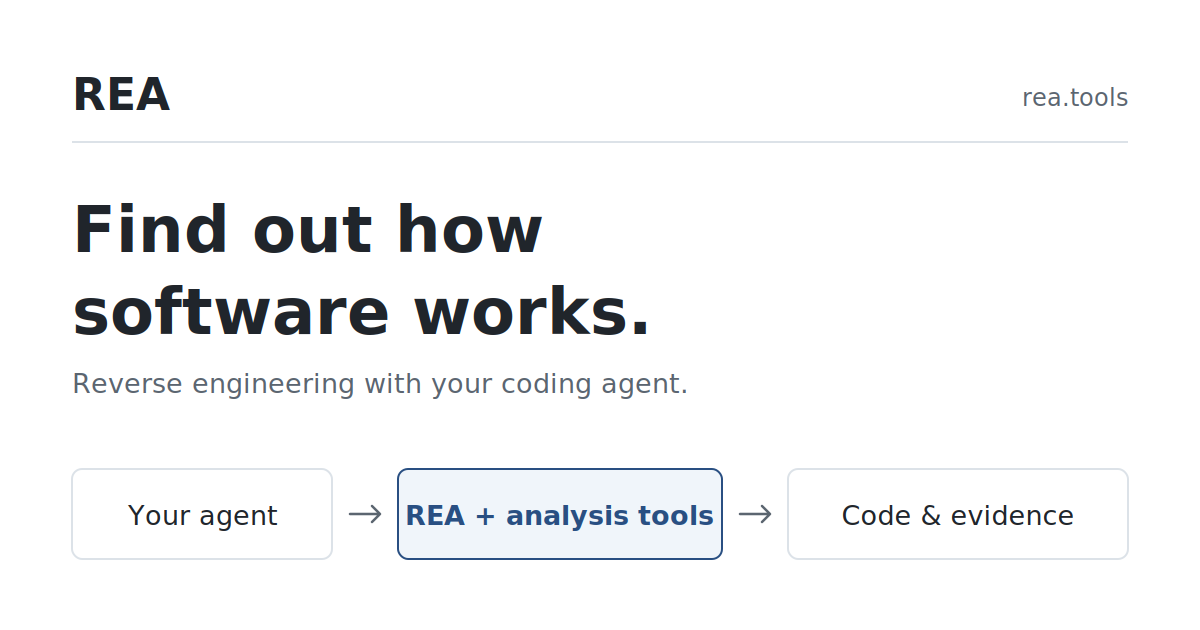
REA is an open-source MCP and CLI toolkit that helps coding agents trace application, binary, and browser behavior from code and runtime evidence.
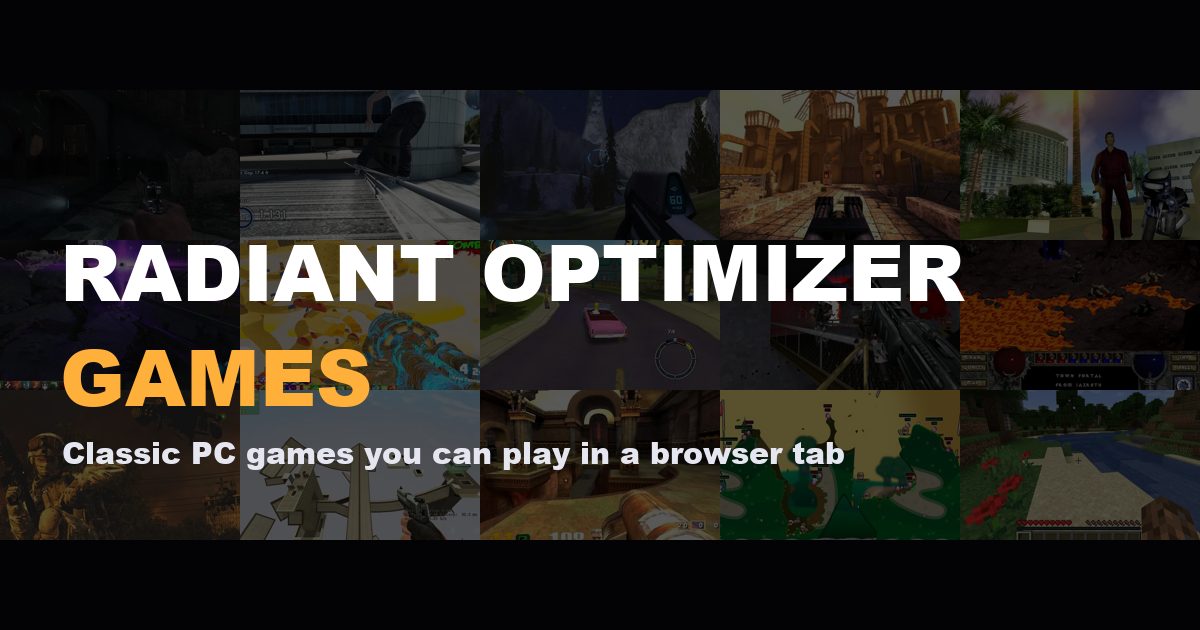
A free browser-game directory for finding PC classics and community projects, with filters for genre, device, and setup needs before you open each game.

City Roads turns a selected city into a visual of its road network, helping designers and curious map readers explore urban street patterns at a glance.
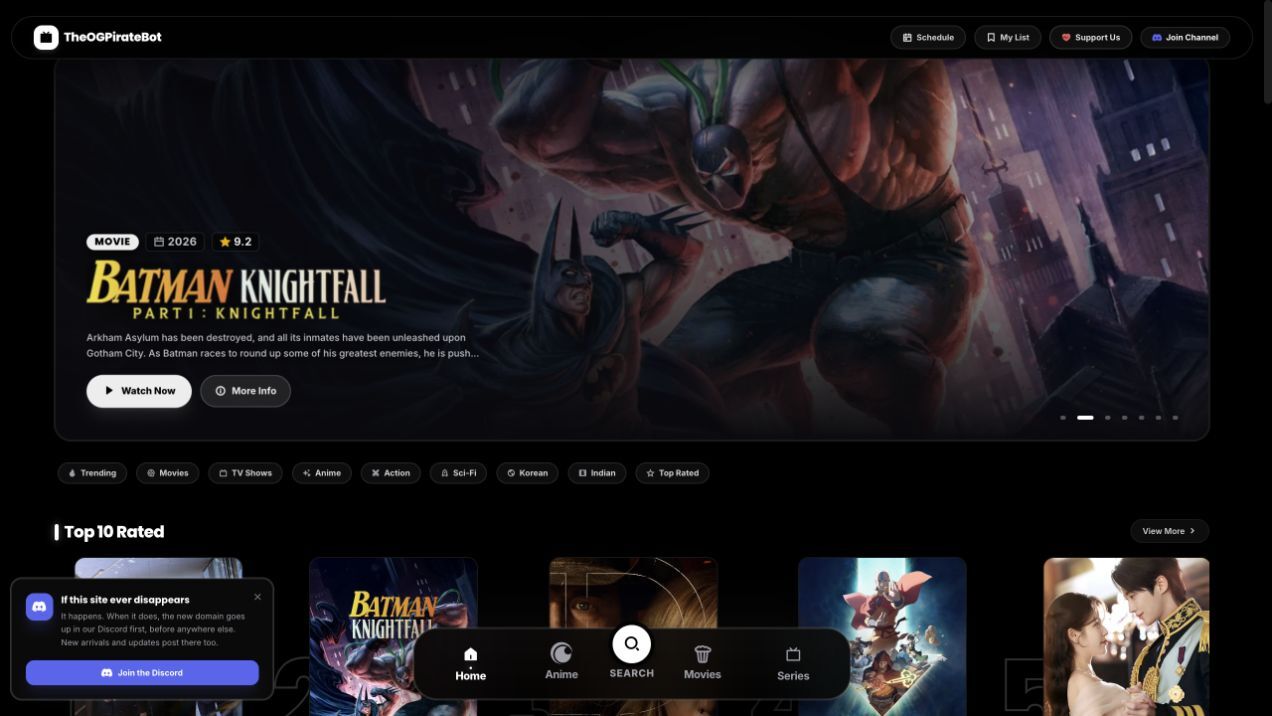
TheOGPirateBot is a free account-free interface for browsing movie, TV, and anime metadata and opening labeled third-party playback providers.

Kundër Hagës is an independent Albanian civic campaign site for anonymous device-based votes, live counters, and campaign traffic statistics.
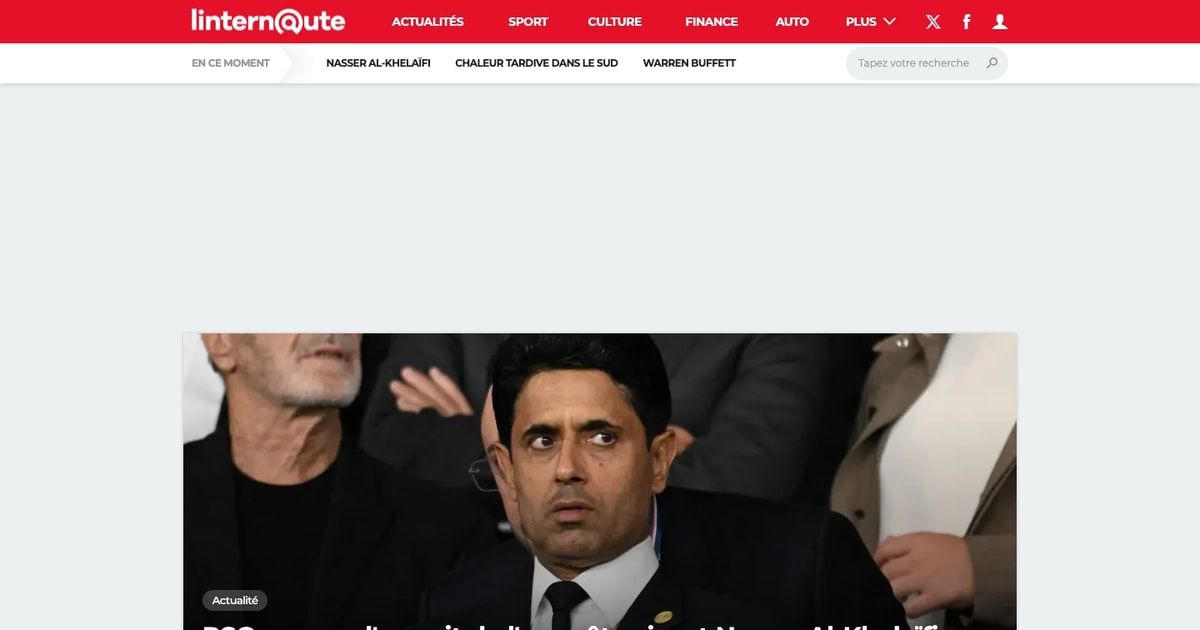
Linternaute is a free French online magazine covering news, culture, finance, travel, lifestyle, health, and consumer guides.
Jump into focused collections and find the right product faster.
Explore other product discovery platforms