

Promoted
Jev AI Model
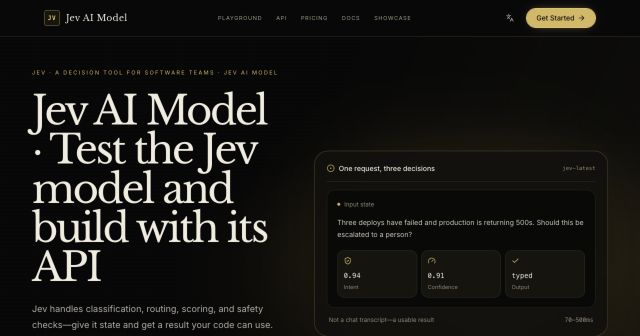
freemiumJev AI Model pairs a free playground with an API for turning text or JSON state into typed classifications, scores, and yes/no probability outputs.
AIDeveloper ToolAnalytics
What it does, who it helps, and how it fits into your workflow.
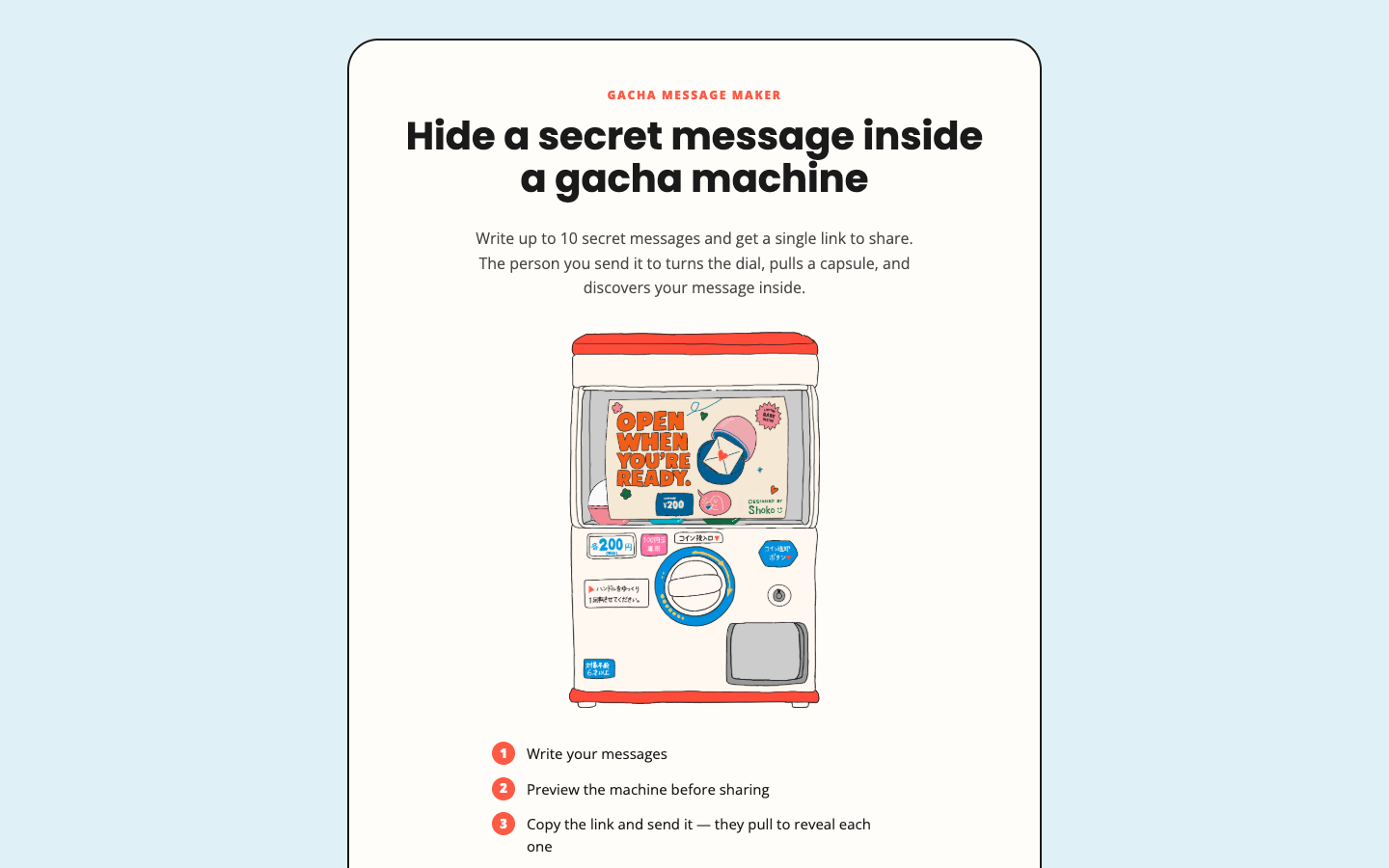
Gacha Message is a browser-based message maker that presents short notes as capsules in a virtual gacha machine. A creator writes up to ten messages, previews the machine, and can copy a single link for a recipient to open.
The recipient turns the dial and reveals messages one capsule at a time. The official page says the experience requires no account and stores the payload in the link rather than on a server.
The builder starts with a title and several capsule text areas. Users can add more messages up to the displayed limit of ten.
Preview mode shows the gacha machine and handle before the creator copies a link, allowing the presentation to be checked first.
The official description says one generated link contains the experience, with no account or server required for the message payload.
The complete editor and preview worked without a sign-in, trial, or payment on 2026-09-20. The site presents no paid tier, so the verified message-making flow is classified as free.
Strengths
Limitations
Choose Gacha Message for a playful set of short reveals. Use encrypted messaging for confidential content, or a presentation tool when you need images, audio, branching, or controlled access.
The official homepage says the creator supports up to ten secret messages.
No. The official description says no account is needed.
No. Treat the generated URL as shareable content and use secure messaging for private data.
Jev AI Model pairs a free playground with an API for turning text or JSON state into typed classifications, scores, and yes/no probability outputs.
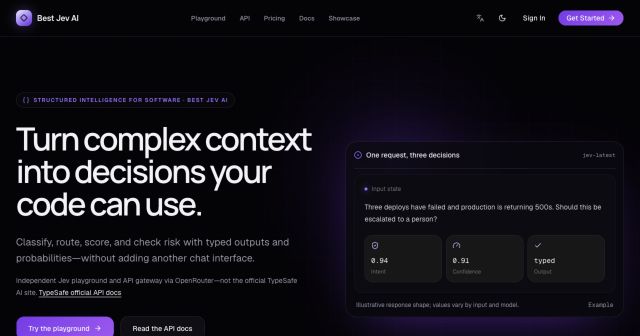
Best Jev AI pairs a free playground with an OpenRouter gateway for turning text or JSON context into typed choices, scores, and yes/no probabilities.

Browse Rush Ounza’s public software-engineering portfolio, including machine-learning notebooks, web projects, activities, and background.