


Promoted
Jev AI Model
freemiumJev AI Model pairs a free playground with an API for turning text or JSON state into typed classifications, scores, and yes/no probability outputs.
AIDeveloper ToolAnalytics
What it does, who it helps, and how it fits into your workflow.
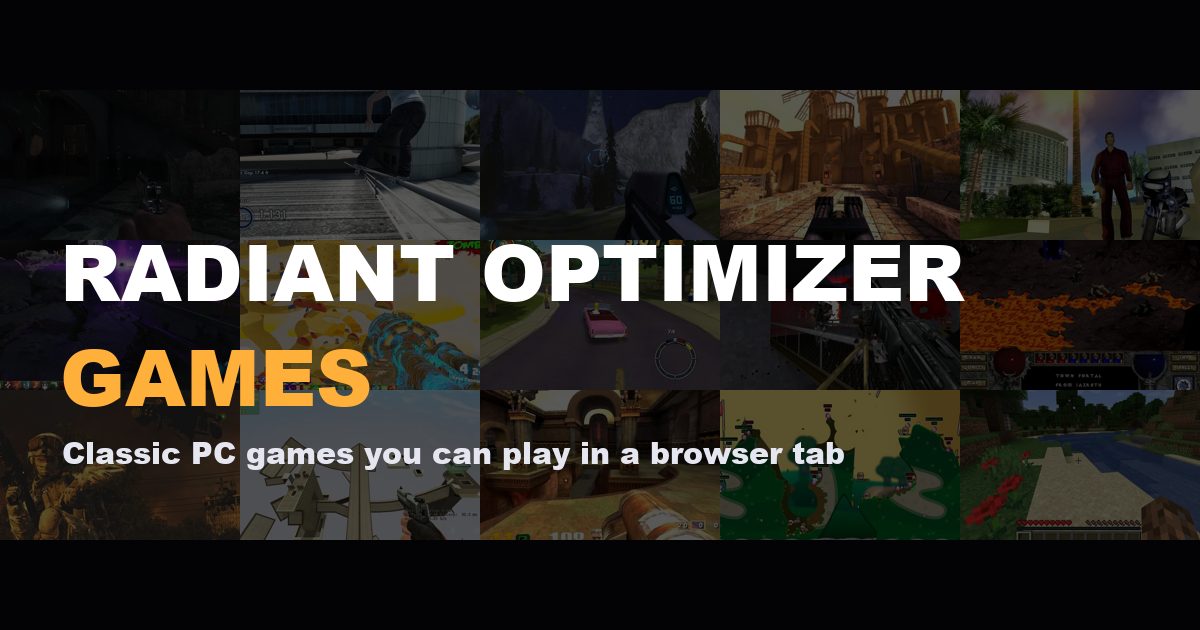
Radiant Optimizer Games is an independent directory for finding classic PC games, fan remakes, and community projects that run in a browser. It brings together links for titles such as Quake, Black Ops Zombies, Skate 3, Halo: Combat Evolved, and GTA: Vice City, with notes that help visitors understand what may be required before they leave the directory.
The site is a guide and link index, not a game host or the Radiant Optimizer PC tuning application. Its Play buttons open third-party project pages. Each listing can explain whether a project is ready to play, may need setup, or requires game files from the visitor’s own copy. Radiant Optimizer Games describes itself as an independent fan directory and says it is not affiliated with Radiant Optimizer or game publishers.
Search by game name, then narrow the list by genre, device, and setup status. Genre filters include shooters, sports, sandbox, RPG, and strategy. Sorting can show featured entries first or arrange titles alphabetically.
Game cards show the device they target and a setup label. “Ready to play” indicates a project that the directory presents as ready to open. “May need setup” warns that more loading or setup can be involved. “Bring game files” identifies projects that need data from a copy of the game. These labels help visitors choose a link; they are not a guarantee that a third-party project will be available on every visit.
A detail page can provide a short description, starting steps, typical controls, and a link to the project’s own site. For example, the Quake page labels its entry desktop and ready to play, then sends visitors to the linked Quake project. The listed projects remain responsible for their own requirements and availability.
Visitors can mark listings as saved and filter the directory to show saved entries. Collections group games around themes such as classics, multiplayer, and mobile projects, making it easier to browse beyond one search.
Radiant Optimizer Games describes its directory as free and says visitors do not need an account to browse. The reviewed pages do not present a subscription or directory access fee. The directory links to separate projects, so their availability, game-data requirements, and any costs are determined by those project owners. “Free” here describes access to the directory, not a promise that every linked game or required game copy is free.
Strengths
Limitations
Choose this directory when you want to browse a curated set of browser-game projects and see setup notes before opening them. If you already know which game you want and need the most current instructions, open the original project page linked from that game’s detail page. When you need an official retail copy, use the publisher or licensed store page linked where available; this directory does not sell or provide game files.
No account is required for browsing according to the site’s homepage and About page. Individual third-party projects may have their own requirements.
No. The directory distinguishes entries marked ready to play from those that may need setup or your own game files. A third-party link can also become unavailable.
No. The site describes itself as an independent fan directory and says it is not affiliated with Radiant Optimizer or game publishers. The PC tuning application is a separate product.
No. Its Play buttons lead to third-party project sites, and the directory says it does not host or distribute game files.
Jev AI Model pairs a free playground with an API for turning text or JSON state into typed classifications, scores, and yes/no probability outputs.
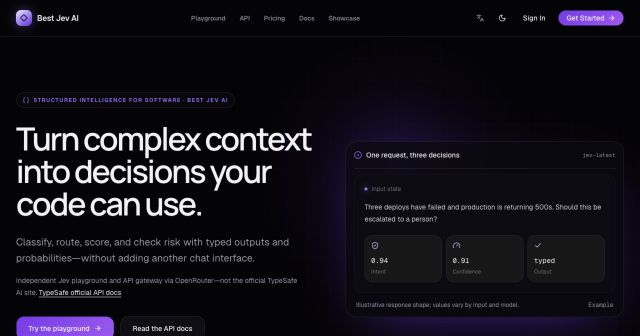
Best Jev AI pairs a free playground with an OpenRouter gateway for turning text or JSON context into typed choices, scores, and yes/no probabilities.

Browse Rush Ounza’s public software-engineering portfolio, including machine-learning notebooks, web projects, activities, and background.