

Promoted
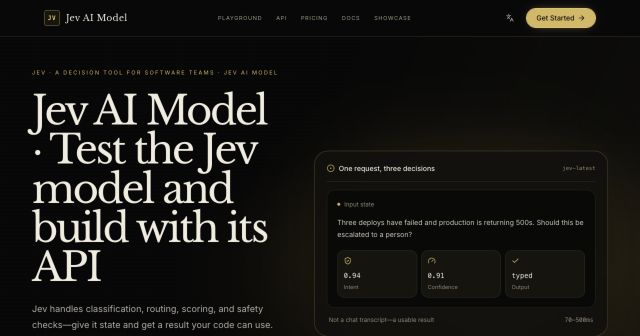
Jev AI Model
freemiumJev AI Model pairs a free playground with an API for turning text or JSON state into typed classifications, scores, and yes/no probability outputs.
AIDeveloper ToolAnalytics
What it does, who it helps, and how it fits into your workflow.
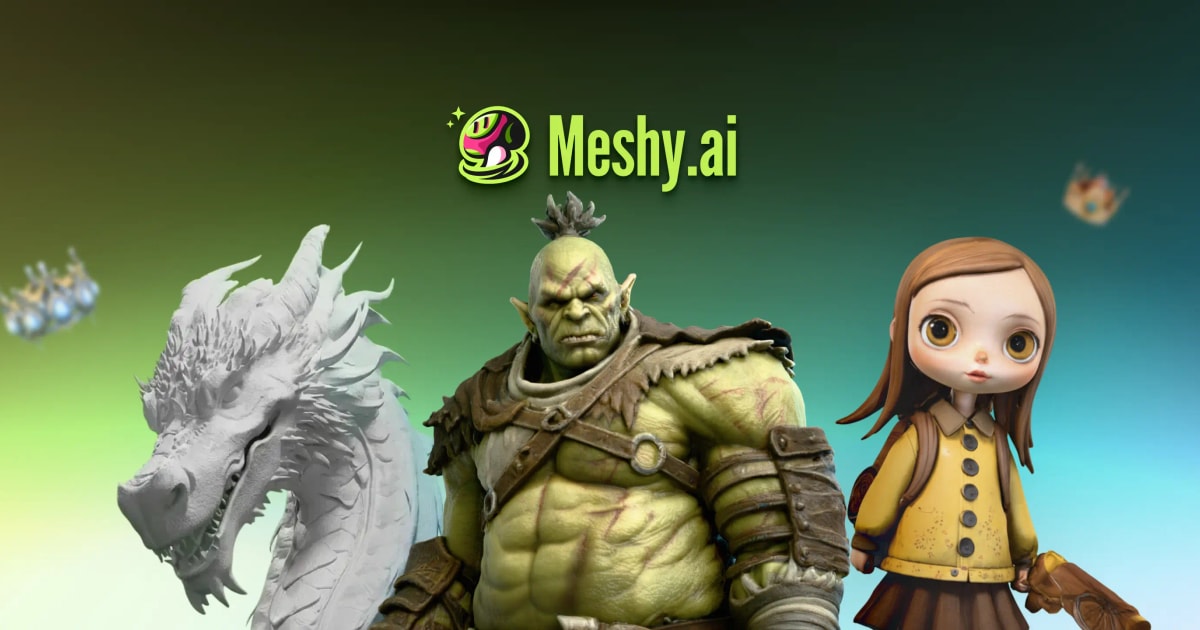
Meshy is an AI 3D generation platform for turning text prompts, images, photos, or sketches into 3D models. It also applies PBR textures, rigs characters, animates models, and produces multi-view images for 3D workflows.
The platform targets 3D artists, game developers, product designers, animators, and 3D-printing hobbyists. Its integrations with Blender, Unity, Bambu Studio, Creality Print, and agent tools connect generation to existing production pipelines.
Meshy offers a free plan with monthly credits and paid tiers for faster generation, private licensing, more credits, team workflows, API access, and enterprise scale.
Describe a model or upload an image, then generate a 3D asset. This reduces the first-modeling step for prototyping, game assets, printing, and concept work.
Add realistic PBR textures to models and generate multi-view images optimized for 3D creation.
Automatically create skeletons and weights for characters, then prepare them for animation.
Integrate Meshy into applications, agents, command-line workflows, Blender, Unity, and 3D-printing tools.
Meshy is freemium. The Free plan costs $0, requires no credit card, and includes 100 credits per month under a CC BY 4.0 license. Paid individual plans include Pro at $20 per month or $240 per year with 1,000 monthly credits, Premium at $40 per month with 3,000 credits, and Ultra at $100 per month with 8,000 credits. Studio costs $70 per month or $840 per year with a shared pool of 5,500 monthly credits.
Monthly subscription credits reset and do not accumulate. New users are offered 50% off their first month on monthly plans and 20% off annual plans, but promotions can change. Free outputs can be used commercially with attribution; premium subscribers receive private asset ownership under the documented terms.
Strengths
Limitations
Compare Meshy with Tripo 3D for image-to-3D generation and with traditional Blender workflows when precise topology, retopology, and manual control are required. Choose Meshy for fast AI drafts, textures, and animation preparation.
Yes. Meshy offers a Free plan with 100 monthly credits and CC BY 4.0 licensing.
Pro is listed at $20 per month with 1,000 credits, private licensing, higher queue priority, API access, and ten concurrent tasks.
Monthly plan credits reset each month and do not accumulate.
Premium subscribers own created assets under the documented terms; free users may sell models but are asked to credit Meshy.
Jev AI Model pairs a free playground with an API for turning text or JSON state into typed classifications, scores, and yes/no probability outputs.
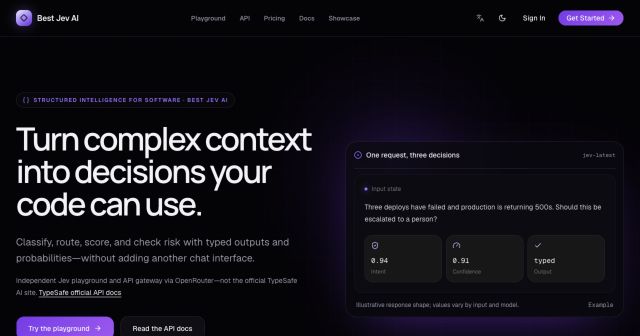
Best Jev AI pairs a free playground with an OpenRouter gateway for turning text or JSON context into typed choices, scores, and yes/no probabilities.
Browse Rush Ounza’s public software-engineering portfolio, including machine-learning notebooks, web projects, activities, and background.