


Promoted
Jev AI Model
freemiumJev AI Model pairs a free playground with an API for turning text or JSON state into typed classifications, scores, and yes/no probability outputs.
AIDeveloper ToolAnalytics
What it does, who it helps, and how it fits into your workflow.
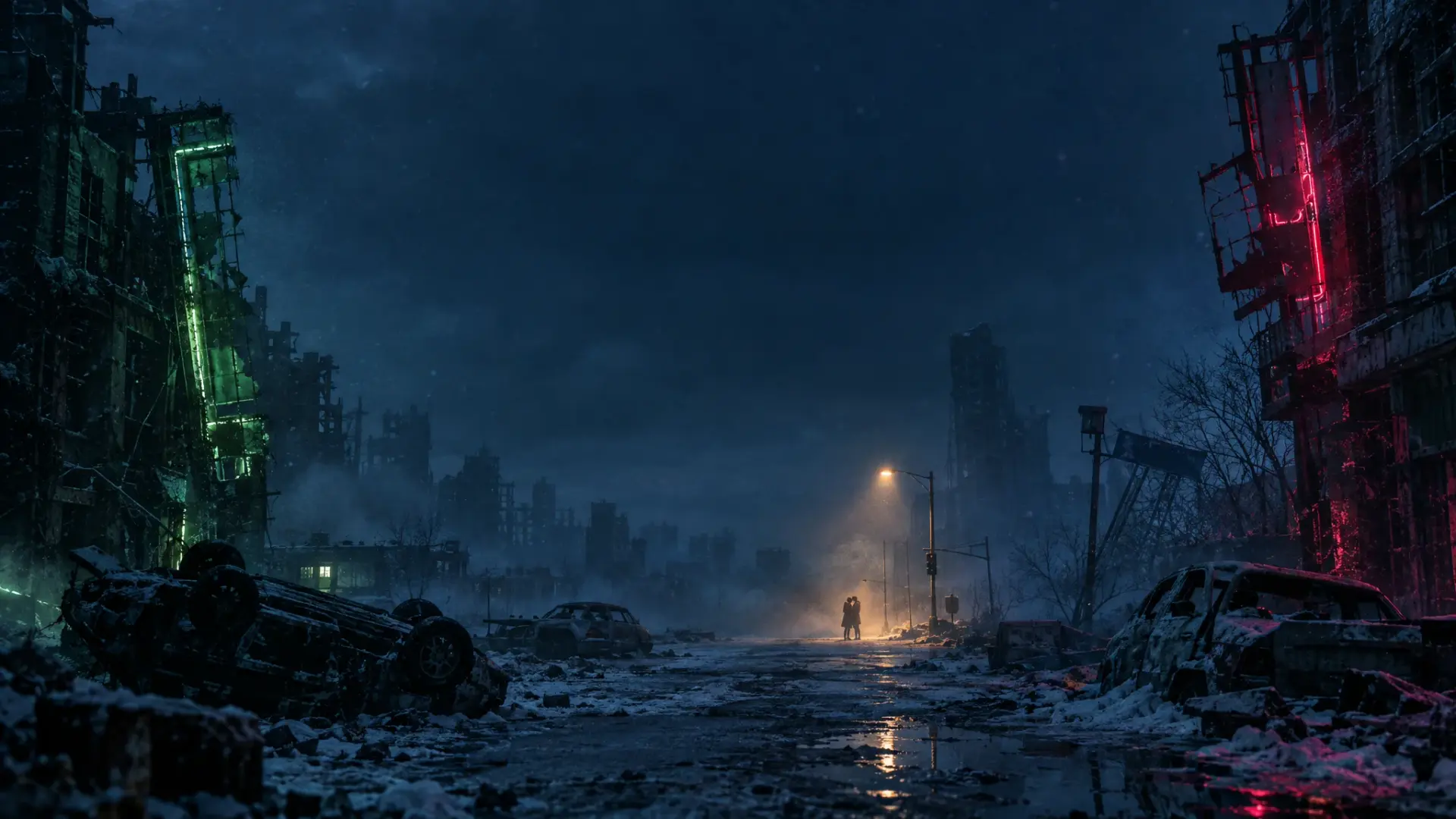
AI Zombie is a browser-based photo-to-video generator for making a short fictional zombie reunion. It takes two reference photos: the person or pet cast as the zombie and the survivor who recognizes them. A preset story, selected setting, aspect ratio, and quality tier shape a 15-second clip. The official About page identifies Kie AI and Seedance 2.0 Mini as the generation route; it also cautions that results can vary between requests.
The workflow is intentionally constrained. Users choose one of three worlds—Snowed-In Cabin, Rain-Soaked City, or Ruined Chapel—and a vertical 9:16 or landscape 16:9 frame. The generator requests music and ambient sound with the video. It is aimed at couples, friends, families, and pet owners who want a ready-made social clip, rather than a general editor for assembling a custom timeline.
Upload one clear photo for the zombie role and another for the survivor. The website accepts JPEG, PNG, or WebP up to 8 MB per image. A person or a pet can take the zombie role. The privacy and terms pages say submitted references are sent to Kie AI for processing, so only use images you have permission to use.
AI Zombie supplies the narrative instead of asking for a written prompt: a tense encounter moves through recognition, an embrace, a leap, and a warm memory. Choose among three illustrated settings. The site says the generated faces, actions, and scene timing can vary, so the sequence is a request to the model rather than a guaranteed shot-by-shot result.
Each generation requests a 15-second video with audio. Economy is listed as 480p for 10 credits; HD is 720p for 20 credits. Choose portrait 9:16 for short-form feeds or landscape 16:9 for a wider frame. The site describes background rendering and a History area for checking tasks and retrieving results.
This review checked the public generator and its stated workflow only. It did not upload personal photos, submit a generation, or test a paid plan.
The tool is less suited to projects that need custom dialogue, precise shot timing, extensive editing, or guaranteed likeness. AI Zombie says exact resemblance and scene timing can vary.
The pricing page says video generation uses paid credits; it does not advertise a free generation allowance. Economy costs 10 credits per 15-second 480p video, and HD costs 20 credits per 720p video.
| Option | Displayed price | Credits | Stated billing |
|---|---|---|---|
| Lite | $9.90 | 40 monthly | Monthly subscription |
| Pro | $24.90 | 120 monthly | Monthly subscription |
| Max | $49.90 | 400 monthly | Monthly subscription |
| Starter | $6.90 | 20 | One-time pack; credits do not expire |
| Creator | $14.90 | 60 | One-time pack; credits do not expire |
| Studio | $39.90 | 200 | One-time pack; credits do not expire |
Monthly credits expire at the end of the billing period; the site says failed generations return credits. Prices are displayed with a dollar sign, but the public page reviewed does not name a currency. As of October 11, 2026, the pricing page marks purchases as not enabled yet, so these listed prices do not confirm that checkout is currently available.
Strengths
Limitations
Choose AI Zombie when a fixed zombie-reunion story, two character references, and a short finished video are more useful than a blank editing canvas. Its preset structure reduces setup, but also limits creative control. If a project needs a custom sequence, precise cuts, or a broader editing timeline, compare general-purpose AI video editors whose official documentation describes those controls. This review does not rank or recommend a specific alternative.
Yes. The generator supports a person or pet in the zombie role. The site recommends a clear, front-facing image; the survivor image is a separate upload.
The About page says generation runs through Kie AI using Seedance 2.0 Mini. Economy requests 480p and HD requests 720p, both for 15 seconds with audio.
The FAQ says generation uses paid credits. The public pricing page lists subscriptions and one-time packs, but marked purchases as not enabled when checked on October 11, 2026.
The privacy page says submitted photos and settings are sent to Kie AI and may be processed outside your country. It also says result links can be accessible to anyone who has the URL and does not promise an automatic deletion deadline. Avoid uploading confidential or sensitive images.
The site says credits are returned for a generation recorded as failed. Its terms distinguish a failed task from a completed result the user simply dislikes.
Jev AI Model pairs a free playground with an API for turning text or JSON state into typed classifications, scores, and yes/no probability outputs.
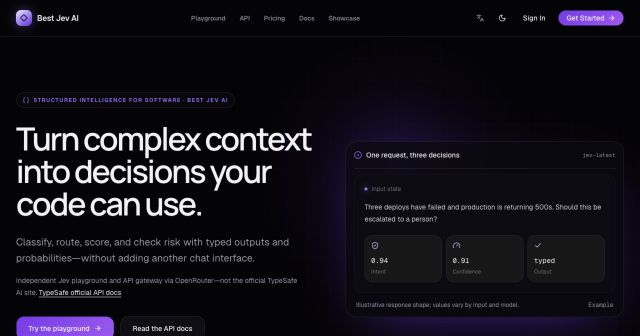
Best Jev AI pairs a free playground with an OpenRouter gateway for turning text or JSON context into typed choices, scores, and yes/no probabilities.

Browse Rush Ounza’s public software-engineering portfolio, including machine-learning notebooks, web projects, activities, and background.