

Promoted
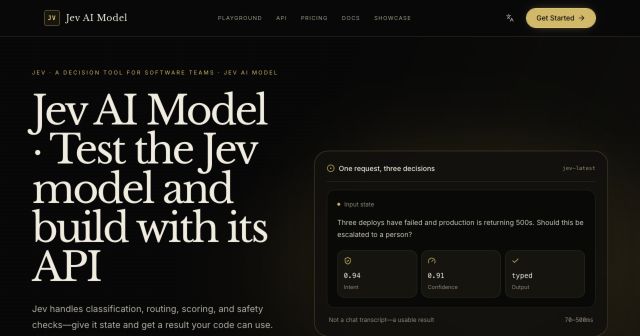
Jev AI Model
freemiumJev AI Model pairs a free playground with an API for turning text or JSON state into typed classifications, scores, and yes/no probability outputs.
AIDeveloper ToolAnalytics
What it does, who it helps, and how it fits into your workflow.
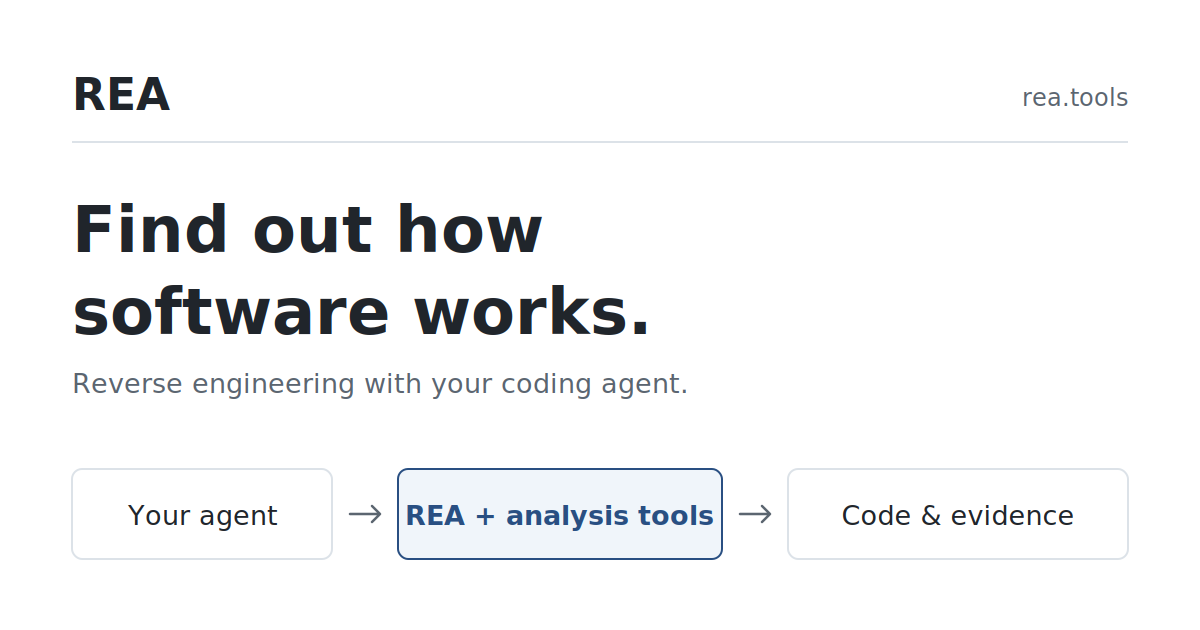
REA (Reverse Engineer Anything) is an open-source toolkit that connects a coding agent to reverse-engineering workflows. Instead of asking users to manually search a program for every relevant function, call or request, REA gives an agent structured tools for inspecting software and returning evidence it can explain. Its intended users include developers studying an application they own or are authorized to examine, maintainers reproducing behavior, and researchers documenting how a feature works.
A user supplies a question and a target such as an application directory, executable, browser page or saved network capture. REA gathers relevant structure and evidence; the agent follows the evidence, asks focused follow-up questions, and can use the findings to implement a similar behavior. Examples on the site include tracing an Electron export button into its CSV writer and reconstructing a calculator percentage rule from native instructions and calls. REA provides analysis tools and workflows; the coding agent supplies the explanation and any new implementation.
The toolkit spans several target types, but their requirements differ. Static JavaScript and .NET inspection do not need a native decompiler. Native binaries need a configured provider such as Ghidra, Hopper or IDA, while browser observation needs a Chrome-family browser and a local debugging connection. REA is therefore an evidence-gathering layer around analysis engines and coding agents, rather than a single universal decompiler.
Point the CLI at an application folder or ASAR archive. REA maps modules, imports, routes and Electron boundaries, then helps trace a feature across files. The published Electron example follows an export action from a renderer API through preload and IPC to the main-process handler and CSV writer. Source locations help a developer continue the investigation. Computed channel names and ambiguous handlers may remain unresolved, so findings still need inspection.
With a supported analysis provider configured, an agent can inspect functions, instructions, pseudocode, strings, references and callers. REA's DX-Ball guide combines an integer input, a caller-provided screen coordinate and referenced constants to recover a sound-panning calculation. The guide reports a separate comparison over 3,205 original inputs and byte-for-byte reproduction of the compiled function. These are results for that case study, not a guarantee for every binary or provider.
For a browser workflow, REA can connect a user action with its network request and the code that handles the response. The Notes example records the request and response shape after an export click, then follows the request to the JavaScript that creates a CSV download. This adds runtime context when static source inspection leaves uncertainty. The documented workflow requires a Chrome-family browser and local debugging access.
The setup command registers REA with supported MCP clients and installs matching investigation instructions. Users can ask a coding agent a plain-English question or call REA's analysis commands directly from a terminal. The setup process presents a plan for review before changing agent configuration; it also supports backups of existing configuration.
npx rea-agents@latest setup.REA is an open-source project, and its repository licenses REA-authored code under MIT. The official website publishes an npm-based setup flow and links to that license, but the pages reviewed do not list subscription plans or a separate REA price. This listing classifies the REA software itself as free; that does not include third-party software or model-provider charges.
Provider costs are separate. The official guide describes Ghidra as free, while Hopper offers a demo or licensed use and IDA is an external tool with its own licensing. REA does not provide a license, key or activation entitlement for commercial analysis tools. Check each provider's current terms and price before installing or automating it. Pricing checked on 2026-10-12.
Strengths
Limitations
REA is most useful when you want an agent to follow a question through an application's code or runtime evidence. If you want to inspect a native program directly in a traditional analysis interface, use an analysis engine such as Ghidra or a licensed product such as Hopper or IDA; REA can connect to some of these as providers, so they are components rather than exact substitutes. Choose a standalone tool when you prefer to drive the investigation manually, and choose REA when you want MCP tools and workflow instructions to help an agent collect and explain evidence. Provider compatibility and licensing vary by platform.
The project documentation says REA analyzes targets locally. Results are returned to the connected agent, and the model provider follows its own data policy, so check that provider before sending sensitive material.
Only deep native analysis needs one of these providers. The setup guide says static JavaScript and .NET inspection do not need a native analysis engine. Browser observation has its own Chrome-family browser requirement.
The documented setup supports a list of MCP clients, including Claude Code, Codex, Cursor, Gemini CLI and others. Other clients can be configured manually if they support local MCP servers.
No. REA does not grant a Hopper license or activation key. The native guide explains that Hopper has its own demo/license choice; verify Hopper's current vendor terms for your intended use.
Follow the unresolved call, value or source location with a narrower question. The official guides note that ambiguous handlers and unresolved relationships can remain, so inspect the underlying evidence before relying on a reconstruction.
Jev AI Model pairs a free playground with an API for turning text or JSON state into typed classifications, scores, and yes/no probability outputs.
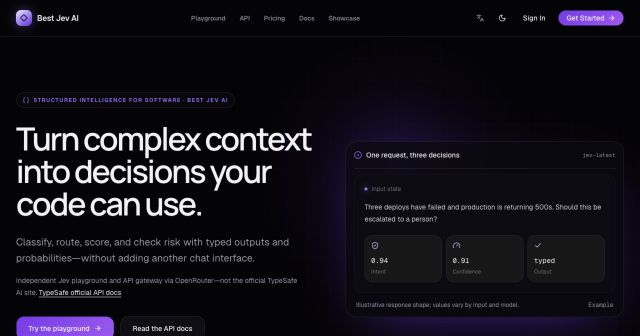
Best Jev AI pairs a free playground with an OpenRouter gateway for turning text or JSON context into typed choices, scores, and yes/no probabilities.

Browse Rush Ounza’s public software-engineering portfolio, including machine-learning notebooks, web projects, activities, and background.