

Promoted
Jev AI Model
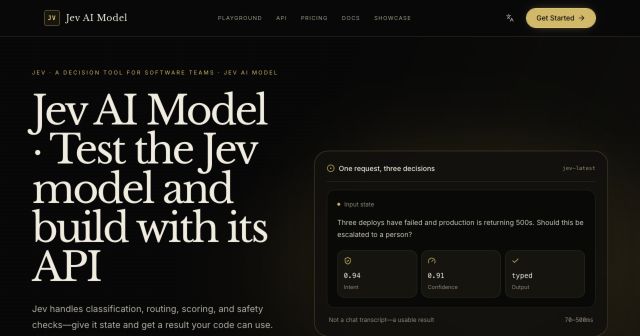
freemiumJev AI Model pairs a free playground with an API for turning text or JSON state into typed classifications, scores, and yes/no probability outputs.
AIDeveloper ToolAnalytics
What it does, who it helps, and how it fits into your workflow.
Protocol Explorer is a browser-based learning tool on a2aprotocol.ai for understanding how network protocols exchange messages. It is useful for students, developers, educators, and people preparing to explain networking concepts in technical interviews.
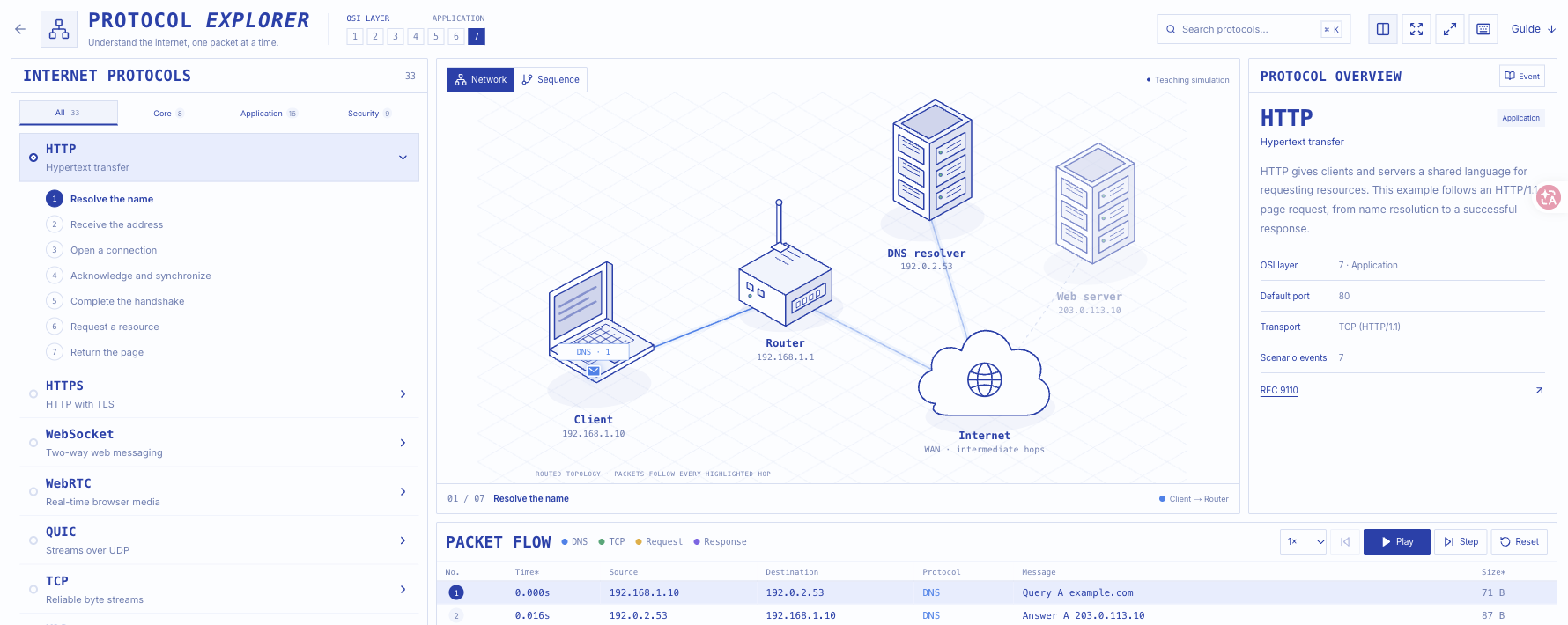
Instead of entering a server address or uploading a packet capture, you select a predefined scenario. The interface combines a diagram, an ordered packet table, and explanations of the selected protocol or event. Its library contains 33 scenarios covering web requests, addressing, routing, email, file sharing, wireless access, and secure connections.
These are teaching simulations. They help explain the relationship between protocols but do not inspect your connection, capture real traffic, or test a production service. The tool does not require AI prompts or generated answers.
Browse Core, Application, and Security categories or search for a protocol. Examples include HTTP, HTTPS, TCP, DNS, QUIC, SSH, WireGuard, and IPsec. The overview connects a scenario to its purpose, transport, typical port, and approximate OSI layer where applicable.
Network view shows the participants and highlighted communication path. Sequence view presents participants alongside the ordered messages. Switching perspectives helps connect network structure to the order of an exchange without changing the selected scenario.
Play, Step, Previous, Reset, and playback speed controls let learners revisit individual messages. Selecting a packet opens an inspector with a forwarding path, protocol layers, example header fields, and a hexadecimal representation. In the HTTP scenario, the final response includes HTTP/1.1 200 OK and example HTML content.
The guide walks through HTTP page loading, HTTPS, and DNS resolution. Links to specifications provide a route to details beyond the simplified scenario. For example, the HTTP example uses HTTP/1.1, while QUIC is presented separately.
Protocol Explorer is free to use. Its official guide describes browser-based access without sign-up or installation. On November 9, 2026, we also used the HTTP scenario, changed diagram views, advanced events, and inspected a response without authentication or payment.
The reviewed tool page does not list a paid tier, usage allowance, or trial expiration for this explorer. This classification covers the teaching tool at the linked URL; it does not describe commercial offerings elsewhere on the host website. See the official guide for current access information.
Strengths
Limitations
Choose Protocol Explorer when your immediate task is to understand a short exchange visually. For exact protocol semantics, use the specifications linked by the tool, such as HTTP semantics or TCP, after the introductory walkthrough.
For a problem involving your actual network, a real traffic-capture workflow is a different requirement: this explorer explicitly supplies illustrative scenarios rather than packet capture. We did not benchmark competing analyzers or verify a substitute product in this review.
No. The tool runs predefined teaching scenarios. Example endpoints and synthetic timestamps should not be interpreted as observations of your connection.
No. The explorer is a standalone learning page on the A2A website. Its official guide says no account, API key, or download is required.
Yes. Both have scenarios. The guide explains that its HTTPS example adds TLS 1.3 over TCP; QUIC is a separate scenario rather than the same transport walkthrough.
The official guide describes mobile panel switching and a horizontally scrolling packet table. Our hands-on verification covered the desktop explorer; we did not test its mobile controls.
Jev AI Model pairs a free playground with an API for turning text or JSON state into typed classifications, scores, and yes/no probability outputs.
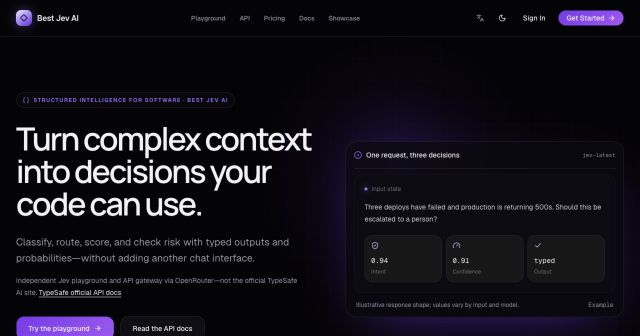
Best Jev AI pairs a free playground with an OpenRouter gateway for turning text or JSON context into typed choices, scores, and yes/no probabilities.

Browse Rush Ounza’s public software-engineering portfolio, including machine-learning notebooks, web projects, activities, and background.