

Promoted
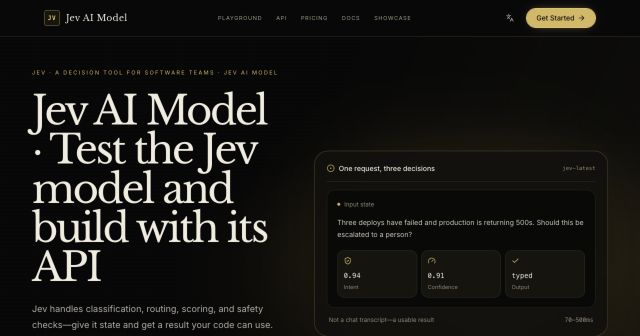
Jev AI Model
freemiumJev AI Model pairs a free playground with an API for turning text or JSON state into typed classifications, scores, and yes/no probability outputs.
AIDeveloper ToolAnalytics
What it does, who it helps, and how it fits into your workflow.
Kling AI is a generative media platform centered on its Kling 3.0 family of video and image models. The product offers a Creative Studio for direct creation and an API platform for developers who need programmatic access.
Creative workflows include text-to-video, image-to-video, video editing, motion control, text-to-image, image editing, avatars, sound generation, and effects. Kling 3.0 and 3.0 Omni emphasize multimodal instruction parsing, native audio, multi-scene consistency, and native 4K output.
The reviewed pricing page is oriented around API and enterprise usage rather than a free consumer tier, so Kling is classified as paid. Image and video calls are metered by output unit, image, second, or template.
Create videos from text, images, references, first and last frames, and multimodal instructions. Video 3.0 supports native audio and complex scene transitions.
Generate and edit images from text, image references, multi-image references, outpainting, and recognition workflows.
Use motion control, avatars, effects, sound generation, video editing, and other studio utilities in one workspace.
Integrate Kling models through APIs, documentation, quick starts, and enterprise services. The pricing page provides unit-based API rates.
Kling AI is classified as paid based on the reviewed API pricing page. The page states that one image API unit equals $0.0035 list price and one video API unit equals $0.14 list price. Kling Image 3.0 is listed at 8 units, or $0.028 per image; Kling Image 3.0 Omni ranges up to 16 units, or $0.056 per image, for 4K output. Kling 3.0 video generation starts at 0.6 units per second for 720P without native audio, equal to $0.084 per second, and can reach 3.0 units per second, or $0.42 per second, for 4K output.
Effects pricing varies by template. Custom packages and enterprise membership are available for teams that need procurement, asset management, compliance support, or larger volume. Current consumer and subscription prices should be checked inside the live product before purchase.
Strengths
Limitations
Compare Kling AI with Runway for a studio-centric video workflow, Higgsfield or OpenArt for broader creative suites, and fal or WaveSpeedAI when multi-model API access is more important. Choose Kling when its 3.0 video family, native audio, and API rate structure match the production requirements.
The reviewed public pricing page documents paid API usage; no free tier was established from that page.
The reviewed page lists Kling 3.0 from $0.084 per second for 720P without native audio to $0.42 per second for 4K output.
Yes. The page links to enterprise membership and custom business packages.
Jev AI Model pairs a free playground with an API for turning text or JSON state into typed classifications, scores, and yes/no probability outputs.
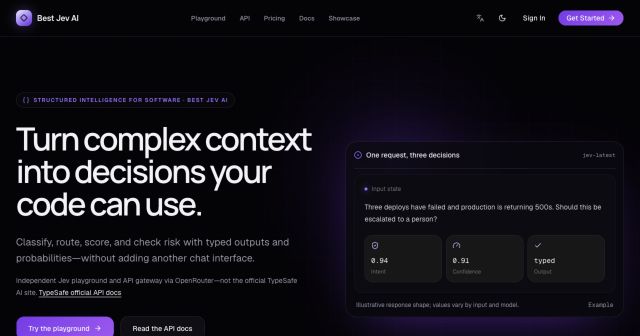
Best Jev AI pairs a free playground with an OpenRouter gateway for turning text or JSON context into typed choices, scores, and yes/no probabilities.
Browse Rush Ounza’s public software-engineering portfolio, including machine-learning notebooks, web projects, activities, and background.