

Promoted
Jev AI Model
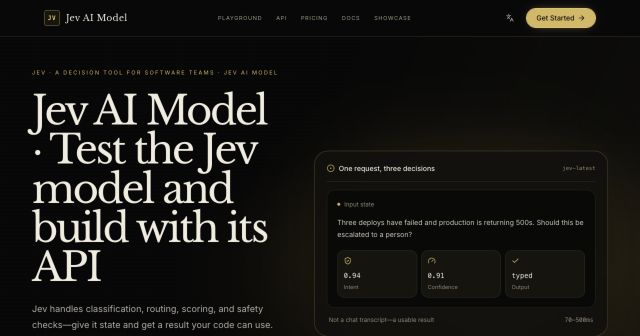
freemiumJev AI Model pairs a free playground with an API for turning text or JSON state into typed classifications, scores, and yes/no probability outputs.
AIDeveloper ToolAnalytics
What it does, who it helps, and how it fits into your workflow.
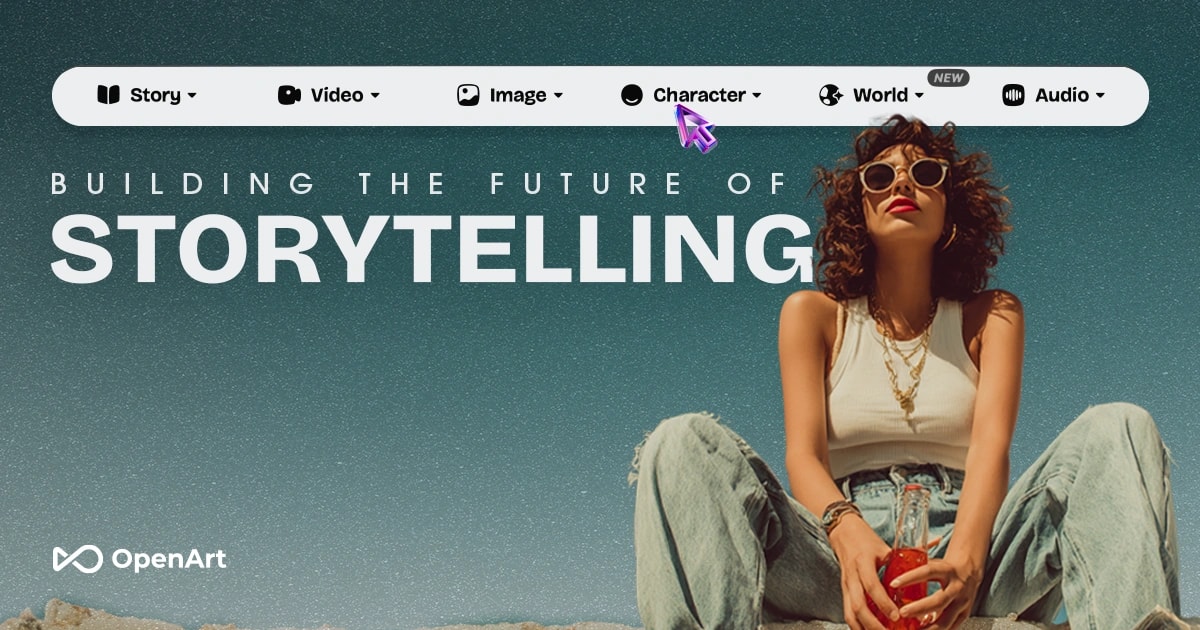
OpenArt is an AI creator studio for images, videos, audio, characters, and story-shaped creative projects. Its homepage promotes access to more than 100 models from multiple providers and tools for ads, short films, music videos, branding, and social content.
A creator can start from a prompt or reference, generate visual or video drafts, edit assets, keep characters more consistent, and organize work around production outcomes. Director-style templates narrow the gap between a raw generation and a structured campaign asset.
OpenArt offers a free entry point and paid creator plans, making it suitable for experimentation as well as higher-volume production.
Generate images, videos, and audio from prompts or references. The studio brings multiple model families into one workspace instead of requiring a separate tool for every output type.
Templates for short films, product ads, film trailers, UGC ads, explainers, micro drama, and branding help users define the scene structure before generating.
Tools for consistent characters, one-click stories, and personalized models help repeated creations maintain the same subject or style.
OpenArt includes image editing, watermark-free output on paid tiers, and OpenArt MCP for connecting selected creative capabilities to external agent workflows.
OpenArt is freemium: users can start for free, while paid tiers add credits, higher output volume, commercial rights, and advanced features. Monthly individual prices are Starter $14, Plus $34, Pro $56, and Wonder $240 per seat per month. The reviewed annual prices were $13, $27, $44, and $175 per seat per month.
Starter includes 4,000 credits per month, approximately 4,000 images or 50 videos excluding Director, access to Director and OpenArt MCP, and eight parallel generations. Plus includes 12,000 credits, Pro includes 24,000, and Wonder includes 106,000 with higher estimated output and commercial-use rights on higher tiers. An optional 5,000-credit add-on was listed at $15 per month. Credits and model access should be reviewed before purchase because generation estimates vary by model and parameters.
Strengths
Limitations
Compare OpenArt with Higgsfield when a broader multimodal suite with studios and agent integrations is needed, and with fal or Atlas Cloud when developer API access matters more than a visual studio. Choose OpenArt for guided campaign and story workflows rather than raw model calls only.
Yes. The site offers a free entry point, but paid plans add credits, higher limits, and additional rights.
Starter is listed at $14 per seat per month, or $13 per seat per month on annual billing.
OpenArt publishes a credit FAQ, but the exact rollover behavior should be checked in the current account and plan terms before relying on it.
The pricing page lists access to OpenArt MCP on paid tiers.
Jev AI Model pairs a free playground with an API for turning text or JSON state into typed classifications, scores, and yes/no probability outputs.
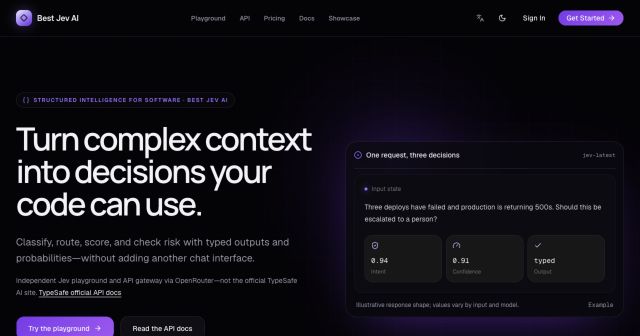
Best Jev AI pairs a free playground with an OpenRouter gateway for turning text or JSON context into typed choices, scores, and yes/no probabilities.
Browse Rush Ounza’s public software-engineering portfolio, including machine-learning notebooks, web projects, activities, and background.