


Promoted
Jev AI Model
freemiumJev AI Model pairs a free playground with an API for turning text or JSON state into typed classifications, scores, and yes/no probability outputs.
AIDeveloper ToolAnalytics
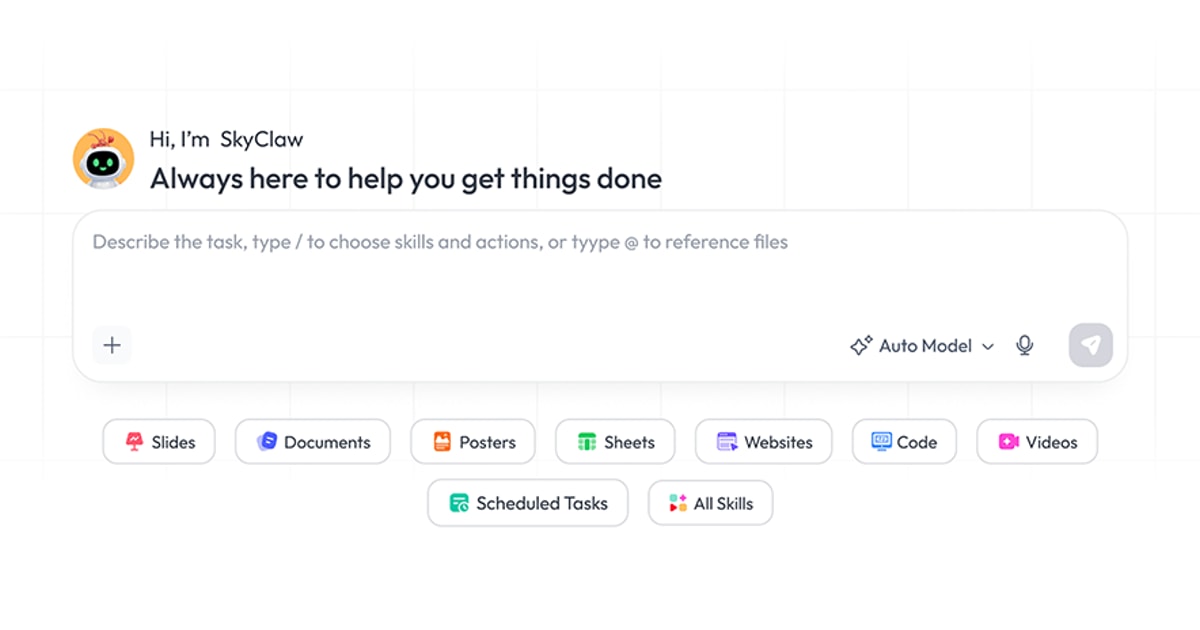
What it does, who it helps, and how it fits into your workflow.
Skywork is an AI workspace agent for creating documents, presentations, spreadsheets, images, videos, webpages, podcasts, and research outputs from simple input. Its official metadata positions it for analysts building reports, educators designing slides, and creators producing audio or visual content.
Rather than separating those tasks into isolated tools, Skywork combines multimodal generation, research, editing, scheduled workflows, and output formatting in one workspace. A single brief can become a document, deck, sheet, report, social visual, webpage, or audiobook-style result.
The product uses a paid membership model with a seven-day trial. Trial users receive daily credits, while paid membership includes monthly credits and broader creation limits.
Turn a topic or research brief into structured written deliverables with research support, editing, and export-ready formatting.
Generate presentations, posters, social visuals, tables, and spreadsheets from the same workspace. This is useful when a brief needs several related outputs.
Create visuals, videos, webpages, and podcasts. The official metadata specifically mentions podcasts and audiobooks alongside documents, slides, and sheets.
Use Skywork’s research capabilities to gather context before drafting a report or presentation. Users should still review claims and cite final sources.
Membership documentation mentions automated and scheduled workflows, helping recurring tasks run without starting from scratch each time.
Skywork is classified as paid with a seven-day trial. The official trial copy states that trial users receive 800 credits per day; the Basic membership description says subscribers receive 10,000 credits per month.
Regular membership prices embedded in the official pricing page are $14.99 for the first month, then $16.99 per month; $39.99 per quarter, equivalent to $13.33 per month; or $149.99 per year, equivalent to $12.50 per month. The annual plan is marked “Most popular.” Seasonal promotional pricing may differ, so confirm the live checkout price before purchase.
Basic membership includes deep research, reports, presentations, posters, social visuals, automated and scheduled workflows, AI editing, image analysis, two concurrent projects, and three devices. Plus and Ultra tiers add higher limits and professional features.
Strengths
Limitations
Compare Skywork with Runable for broader business-agent automation, OpenArt or Higgsfield for media-first creation, and Gamma for slide-focused generation. Choose Skywork when one workspace needs to move from research to documents, decks, sheets, and multimedia outputs.
Yes. The official pricing localization describes a seven-day free trial with 800 credits per day.
The reviewed regular prices are $16.99 monthly after a $14.99 first month, $39.99 quarterly, or $149.99 annually.
The official Basic trial description lists 10,000 credits per month after subscription.
Documents, reports, slides, spreadsheets, posters, social visuals, images, videos, webpages, podcasts, and related deliverables.
Jev AI Model pairs a free playground with an API for turning text or JSON state into typed classifications, scores, and yes/no probability outputs.
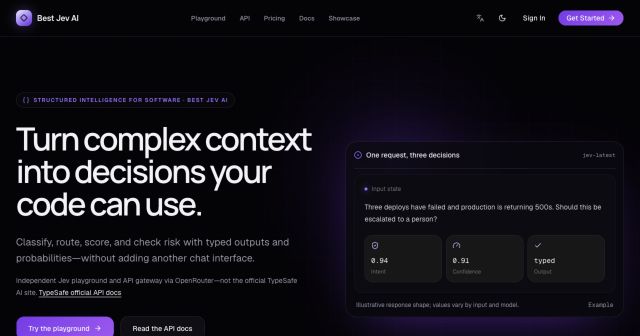
Best Jev AI pairs a free playground with an OpenRouter gateway for turning text or JSON context into typed choices, scores, and yes/no probabilities.
Browse Rush Ounza’s public software-engineering portfolio, including machine-learning notebooks, web projects, activities, and background.